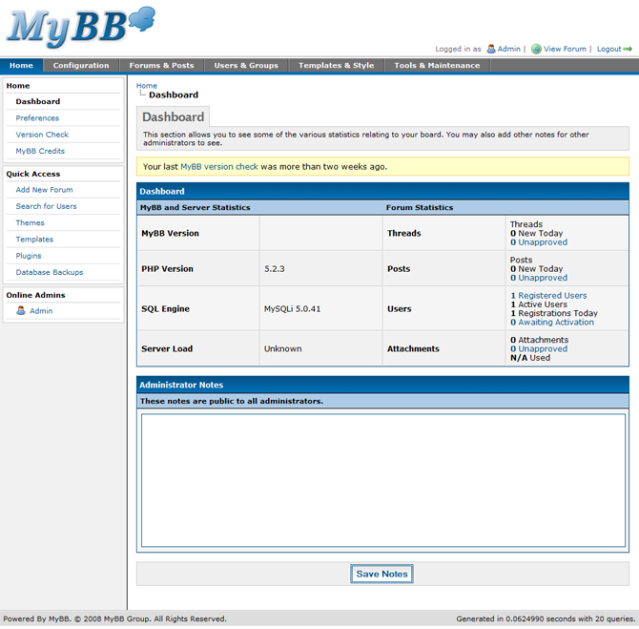
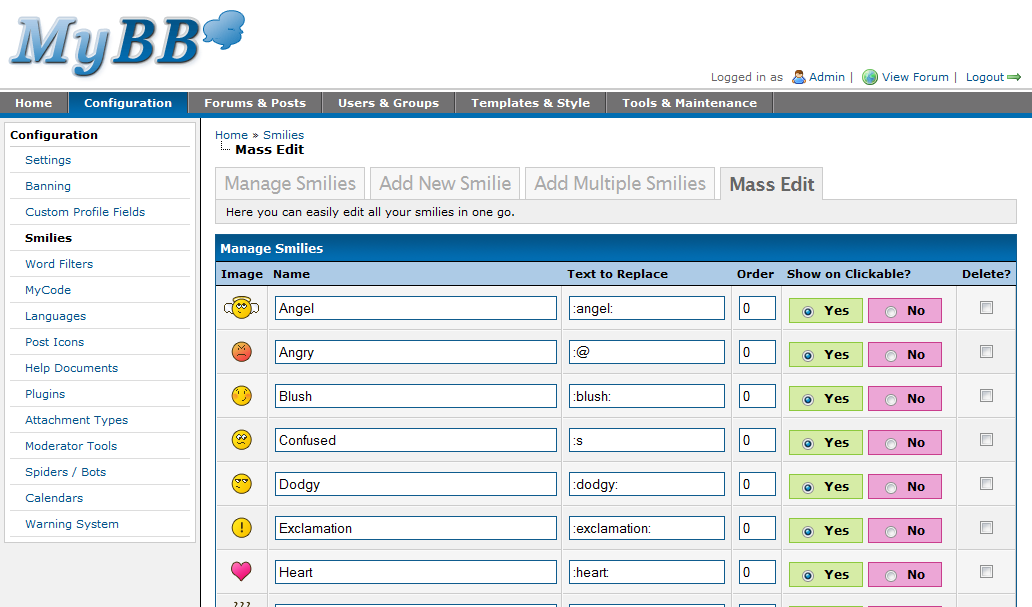
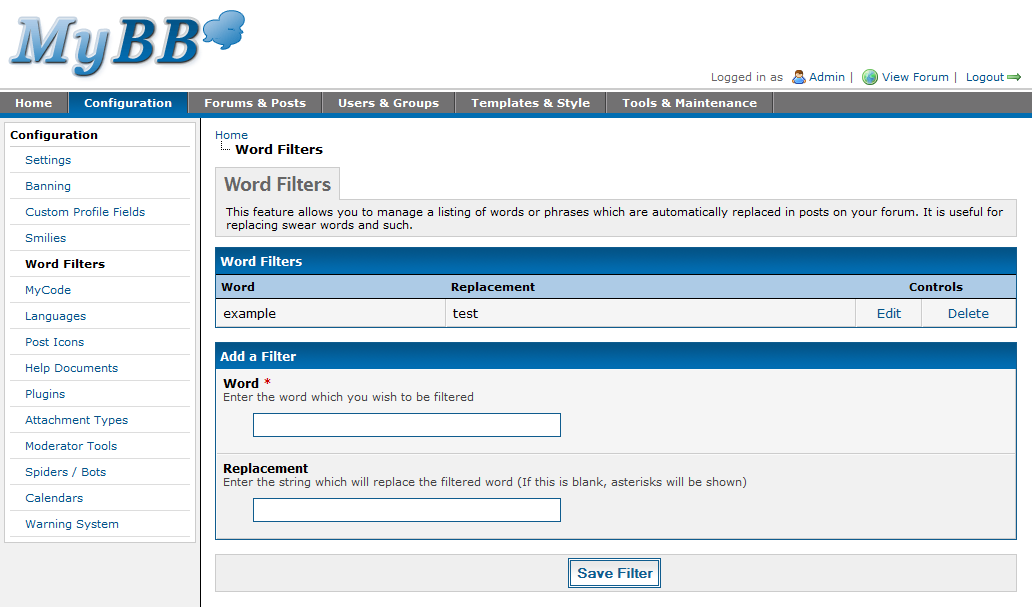
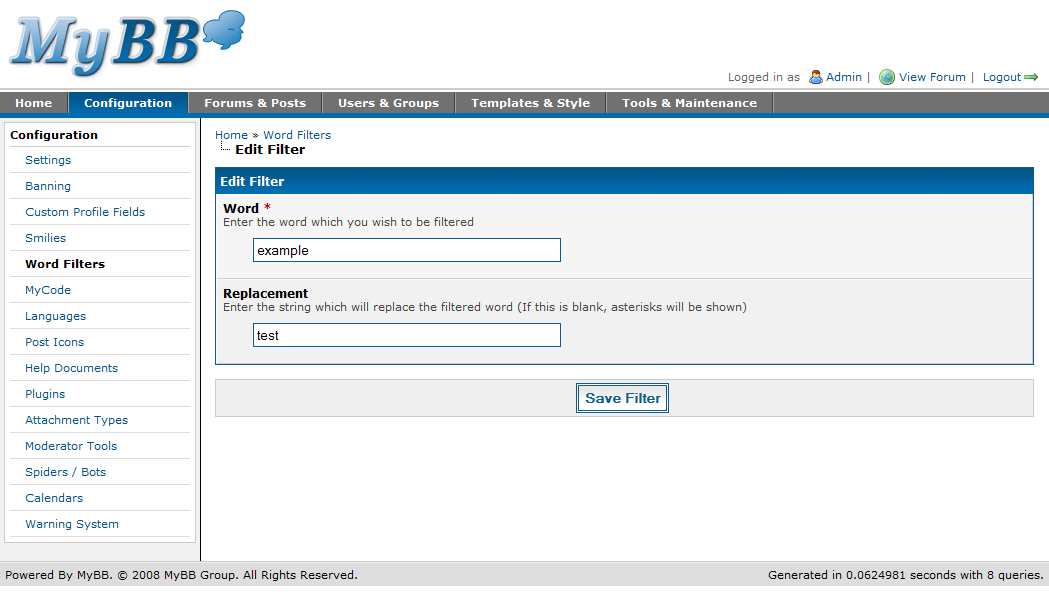
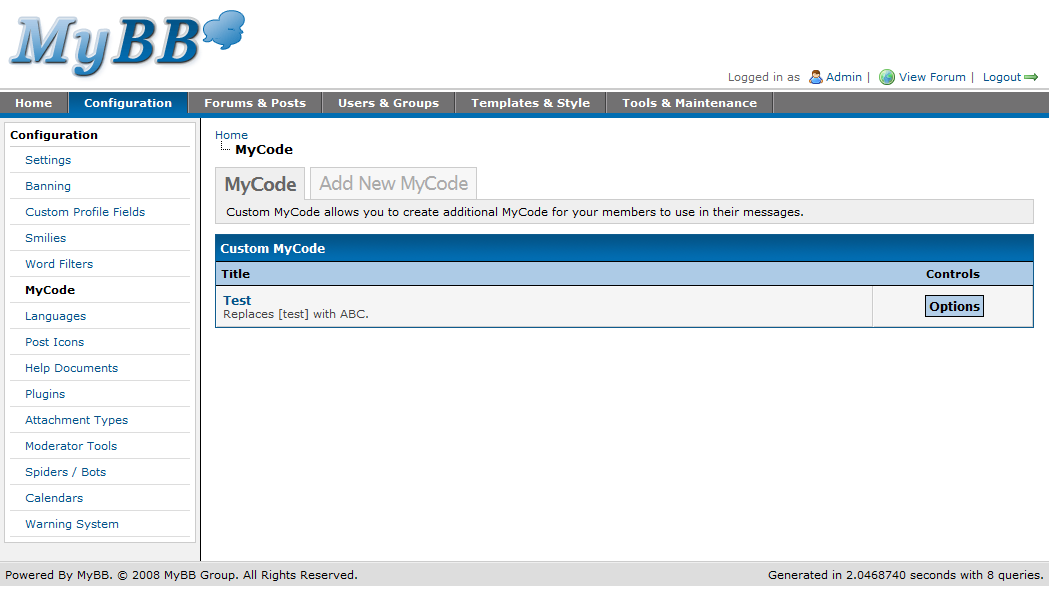
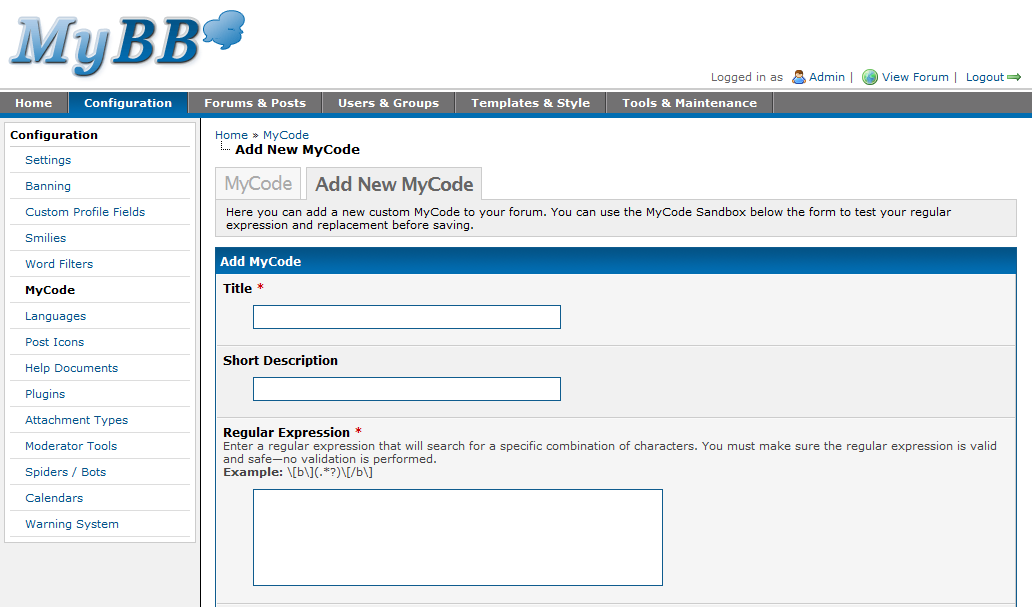
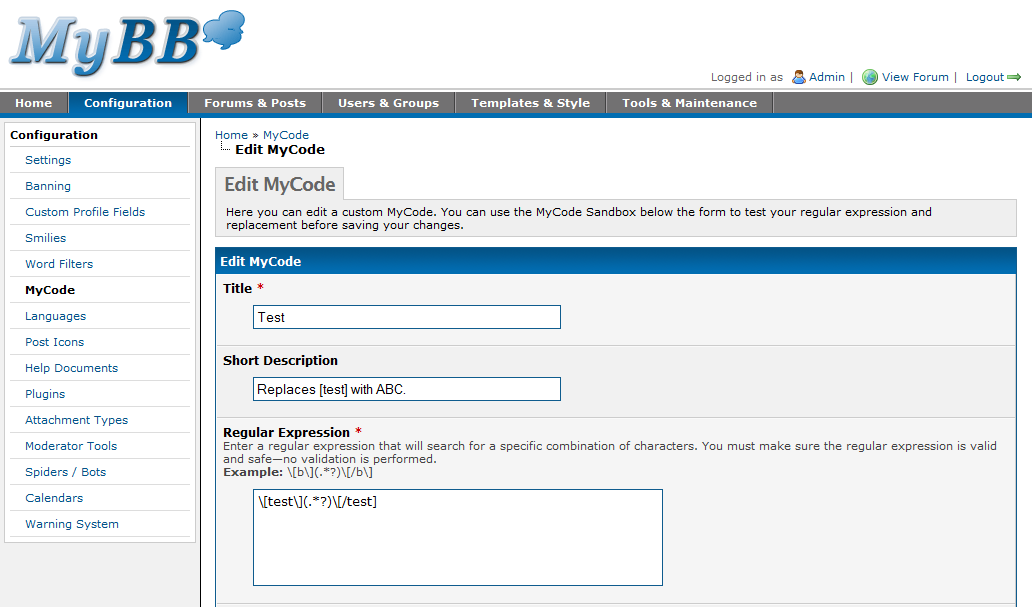
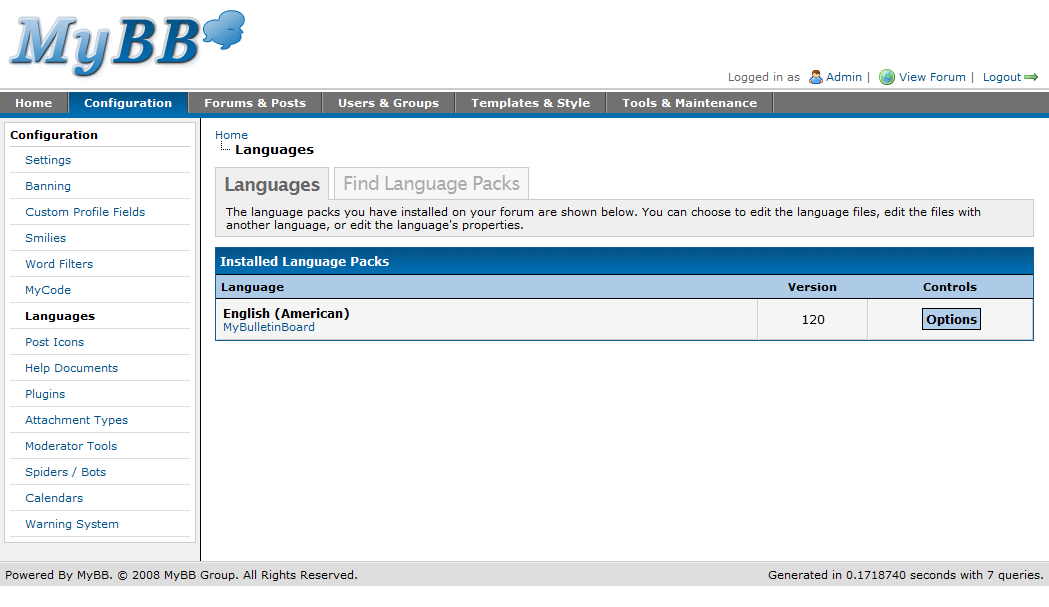
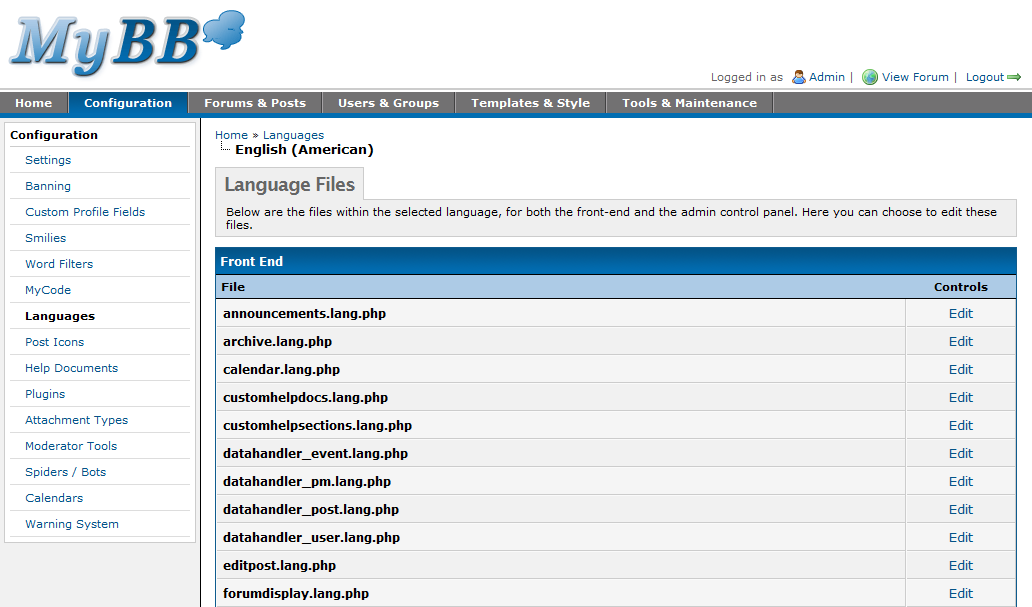
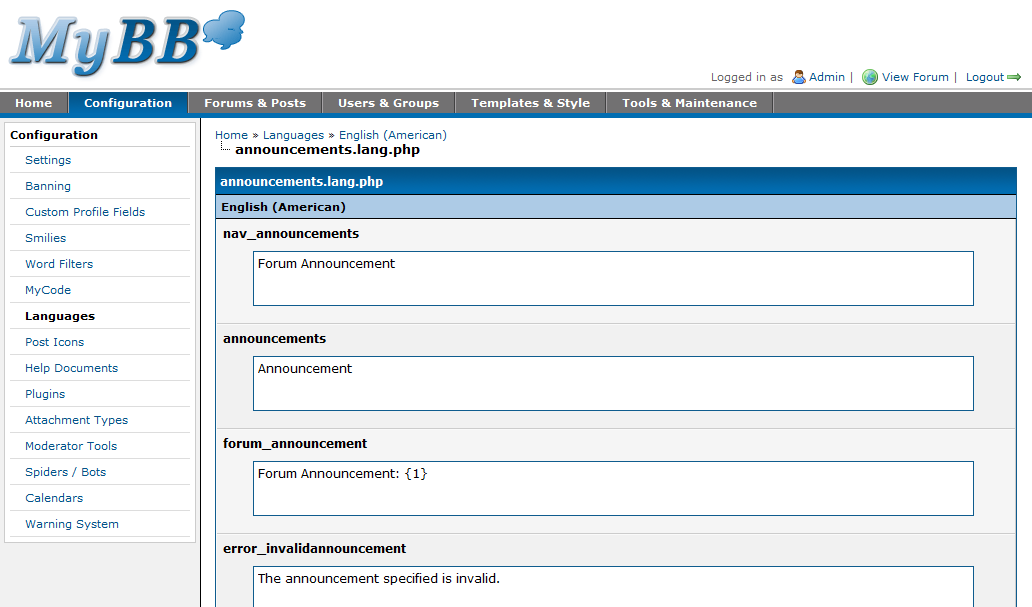
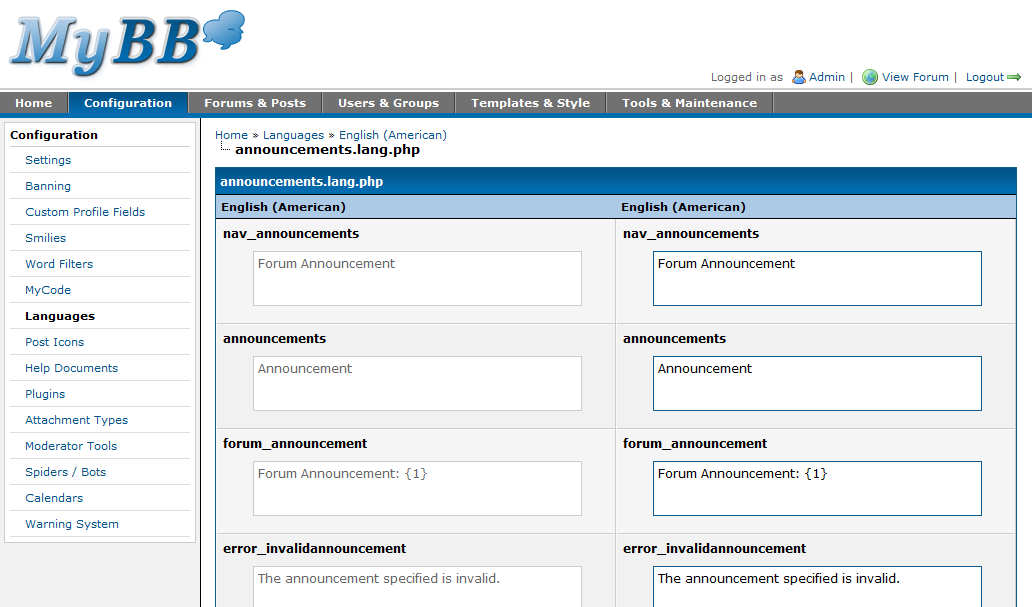
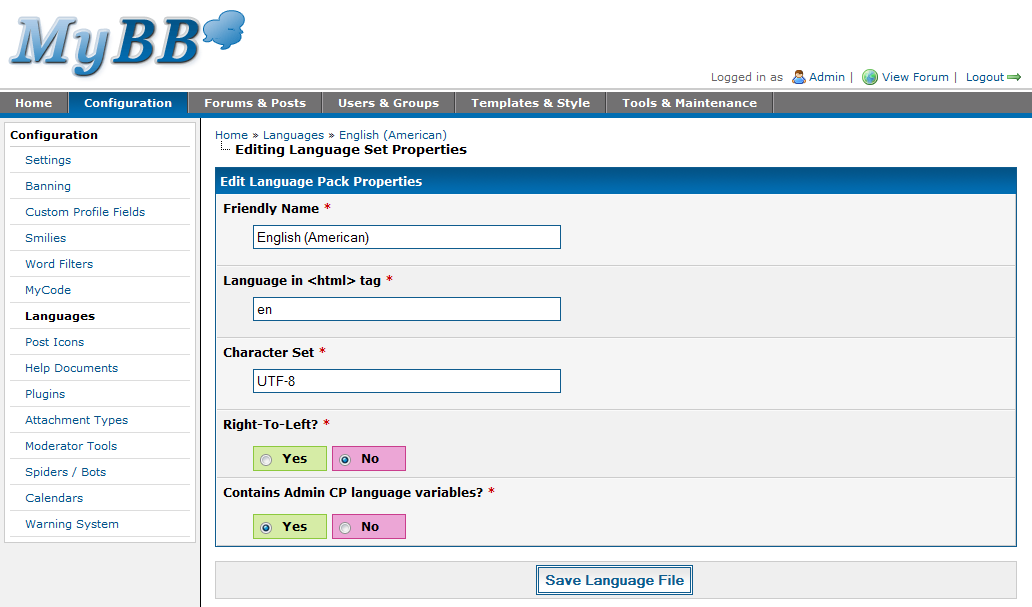
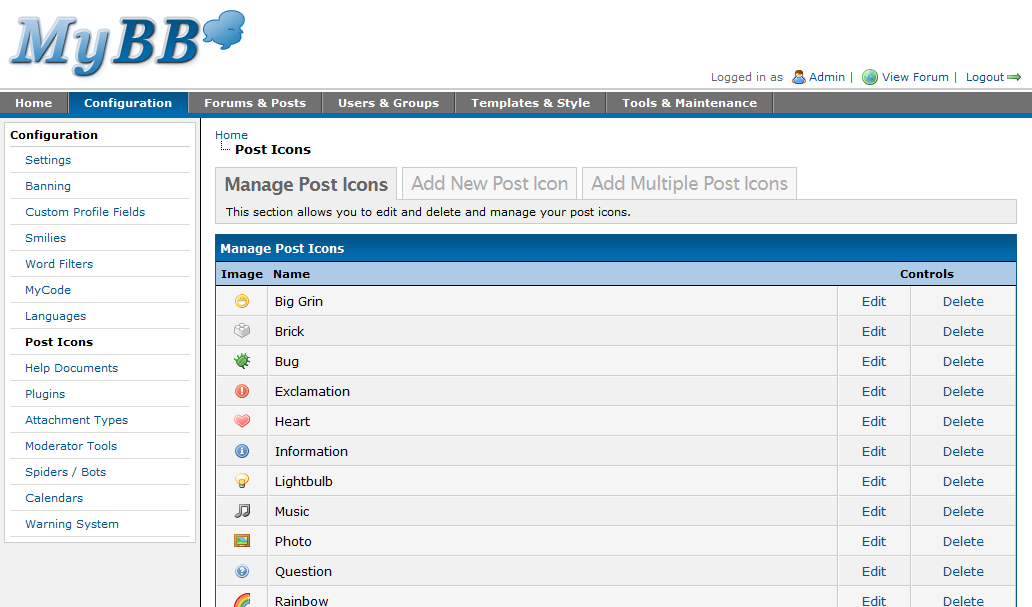
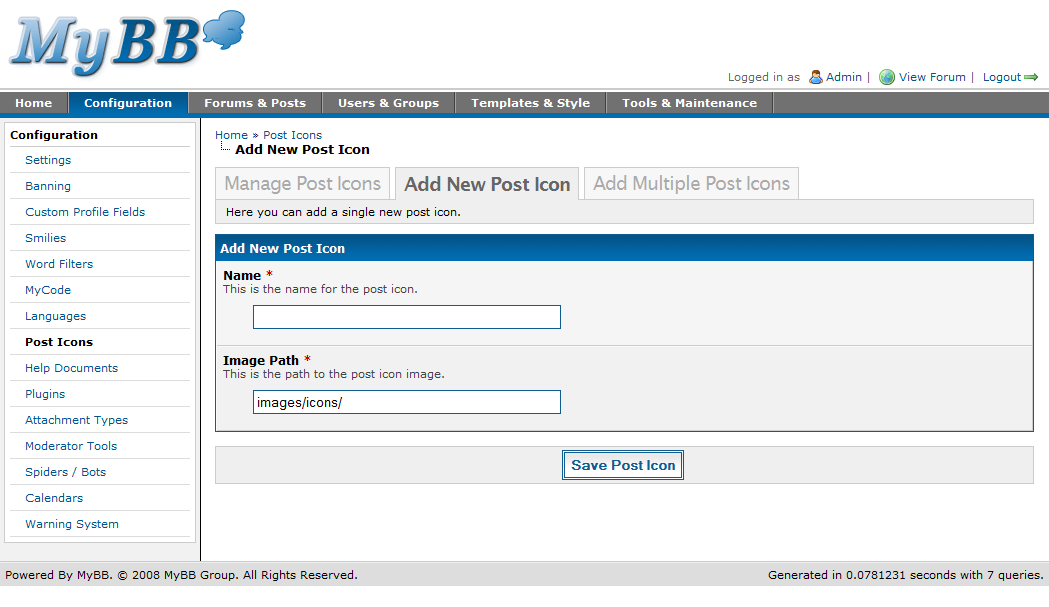
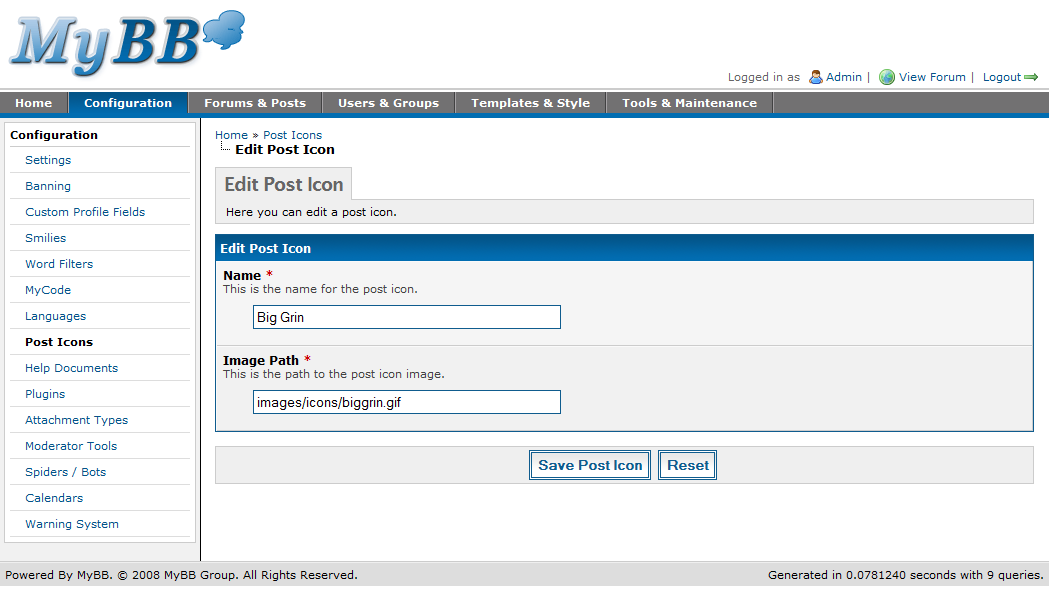
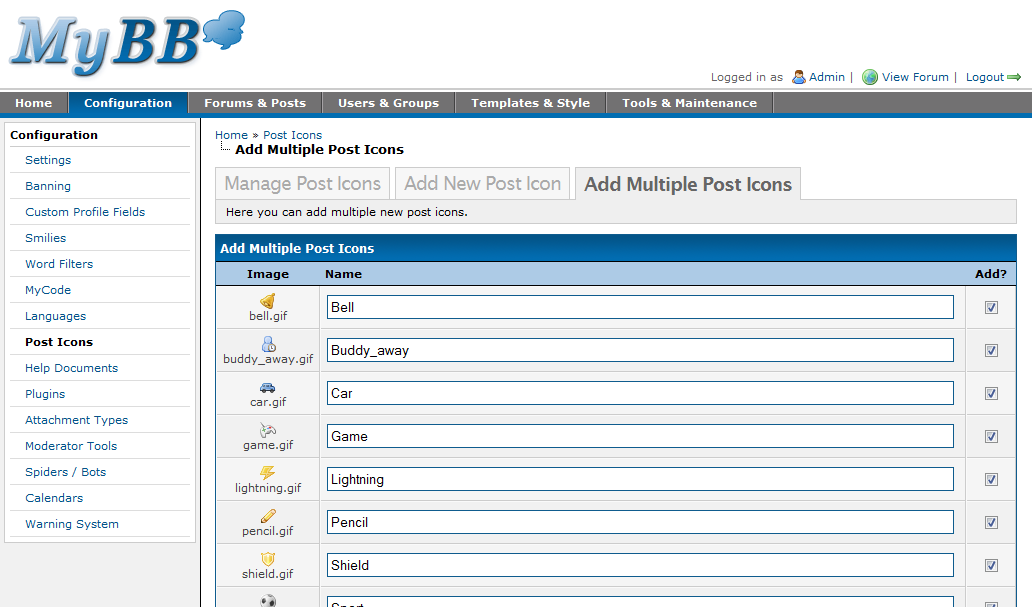
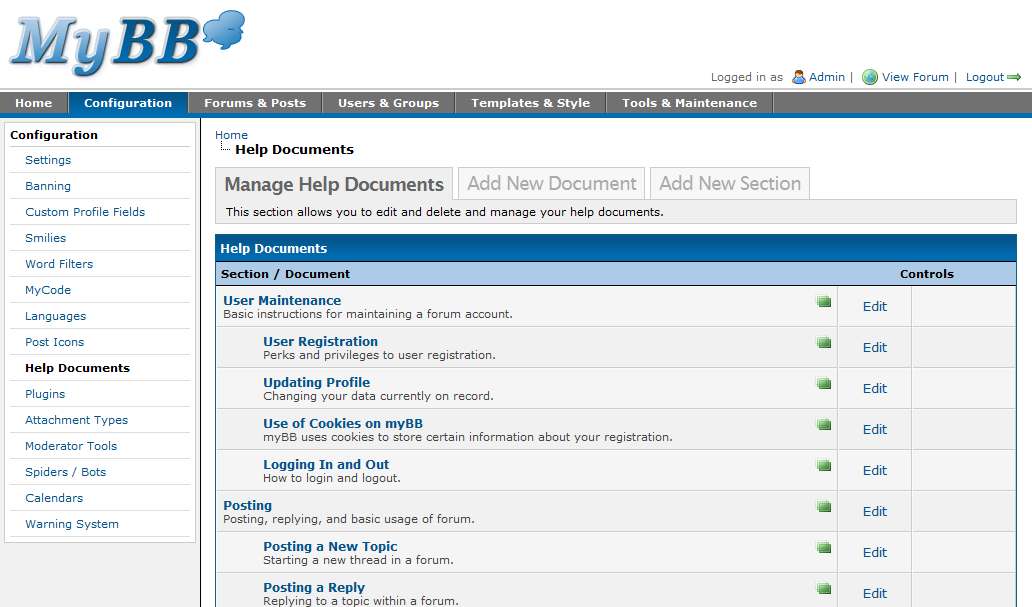
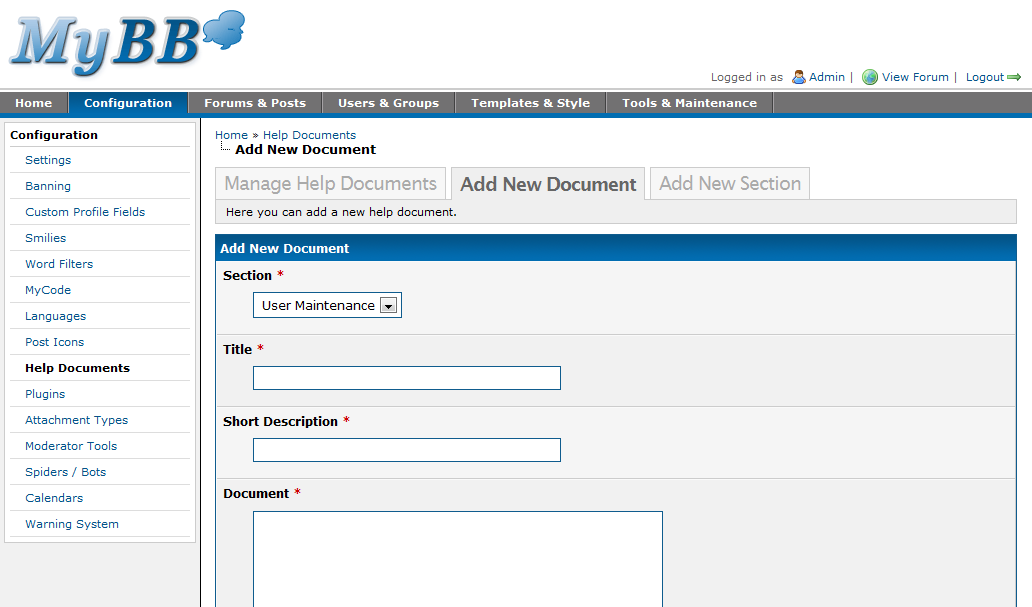
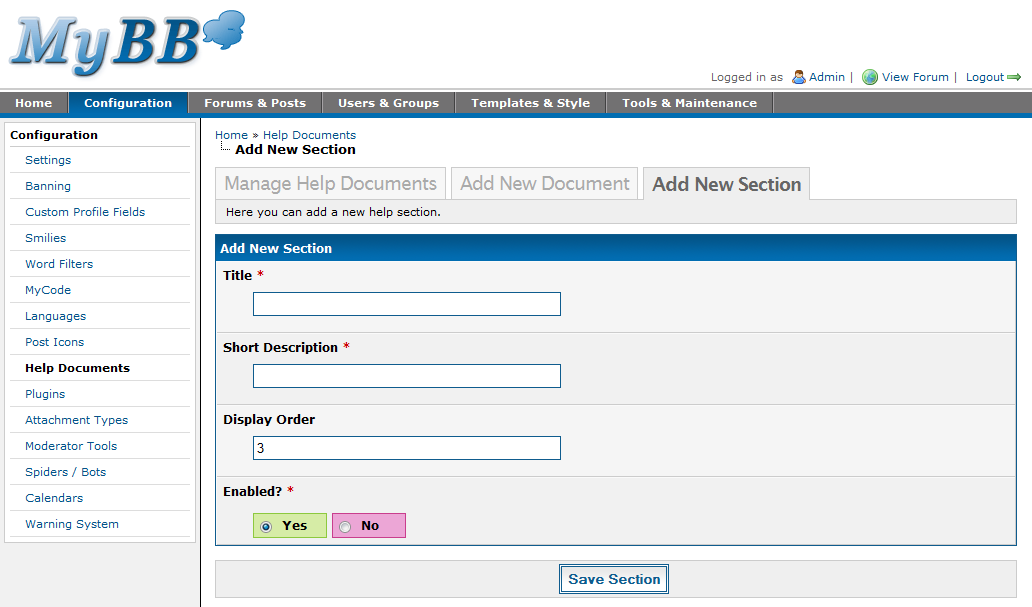
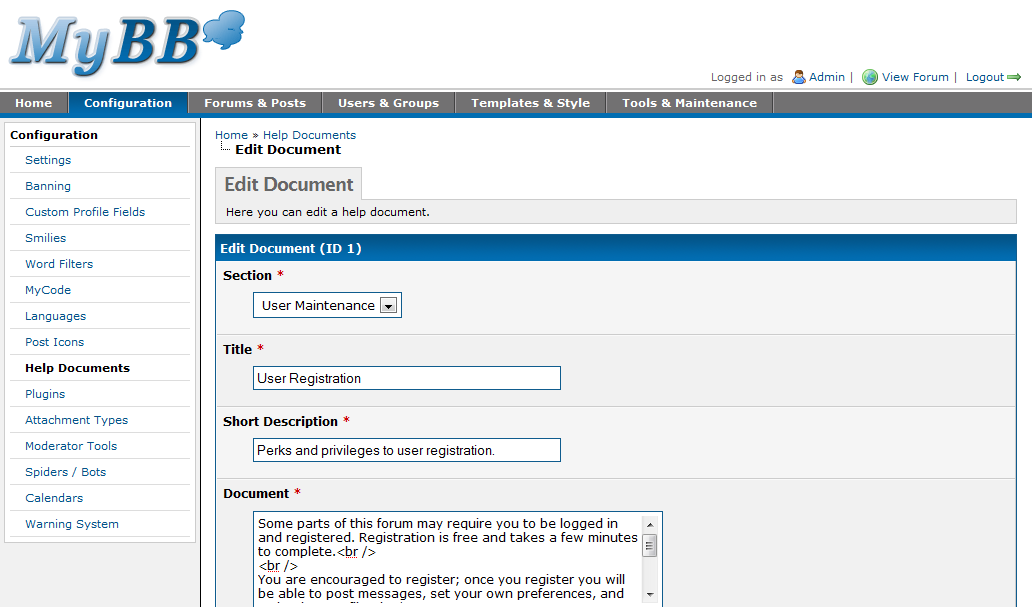
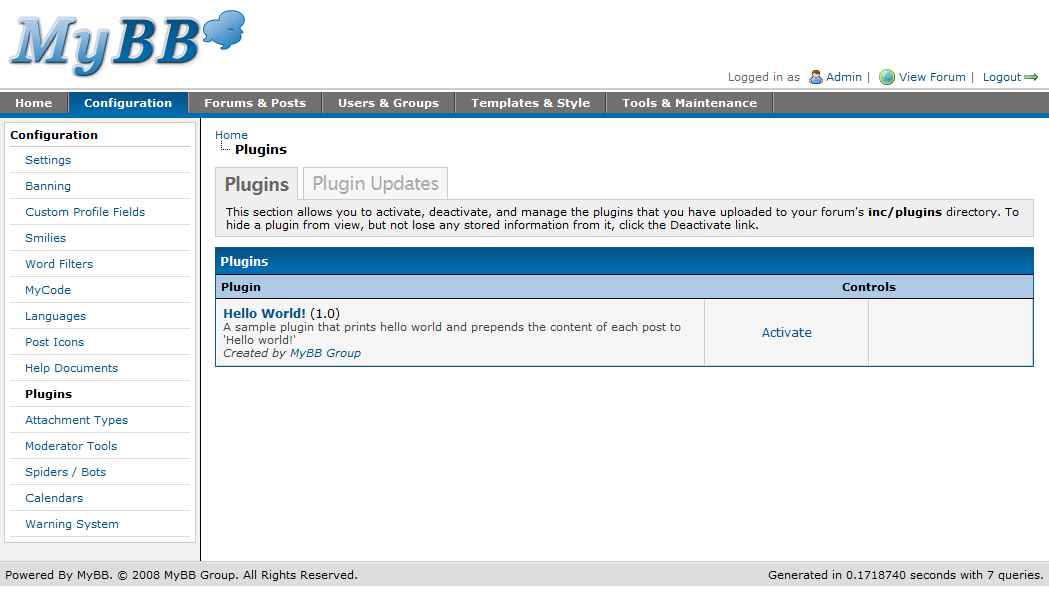
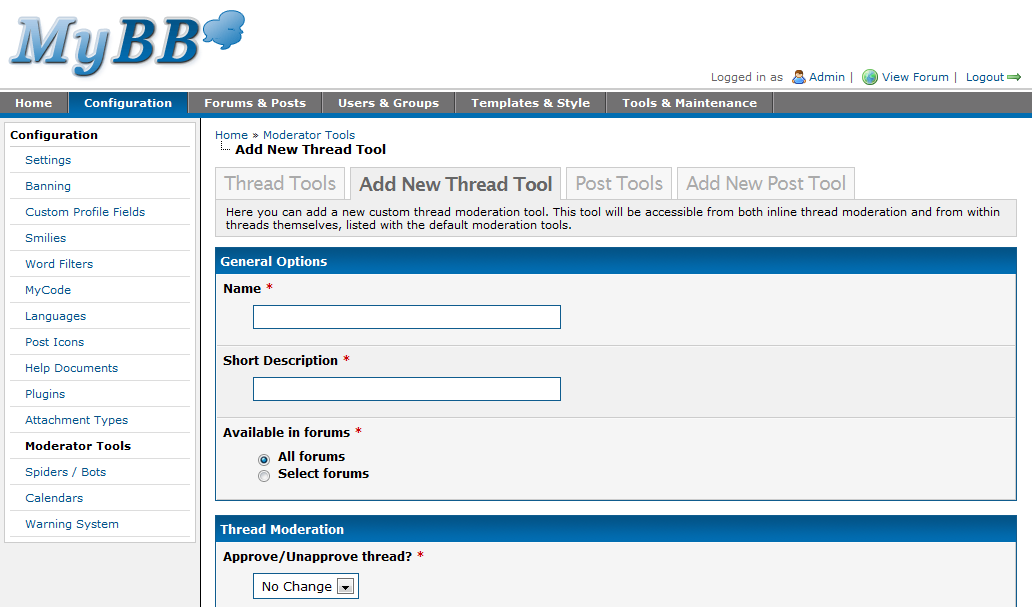
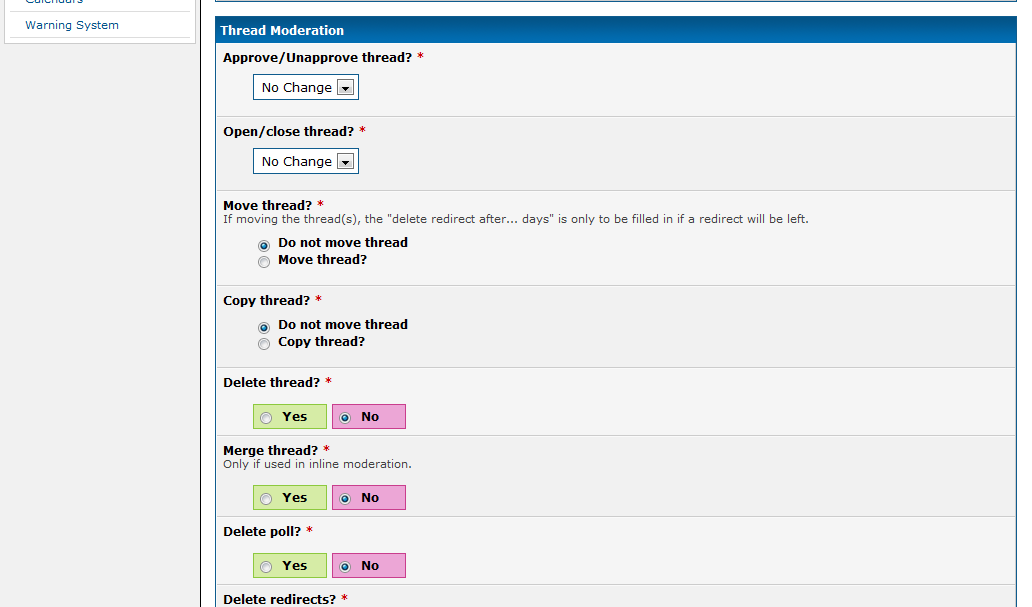
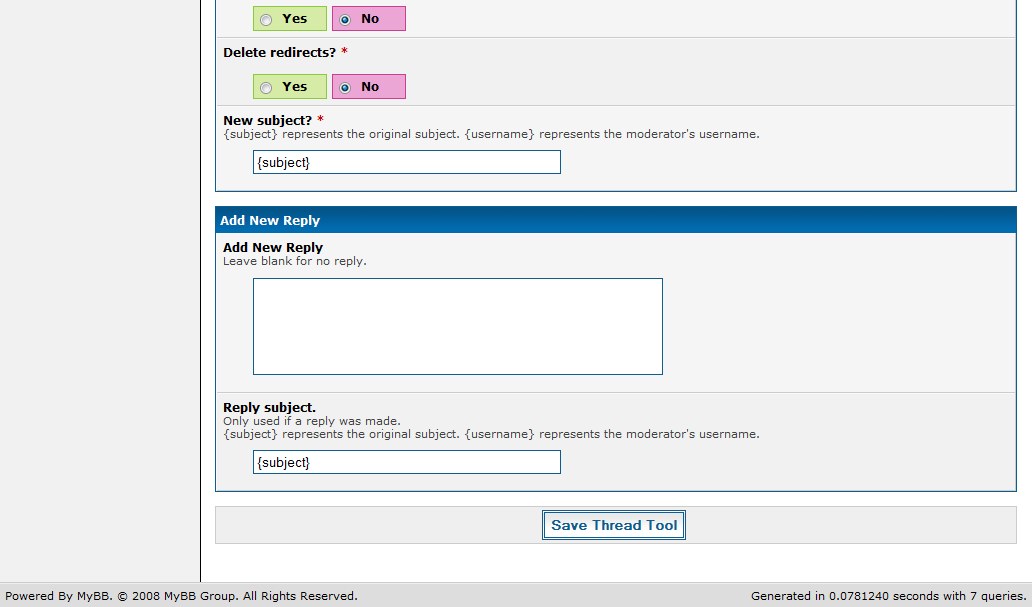
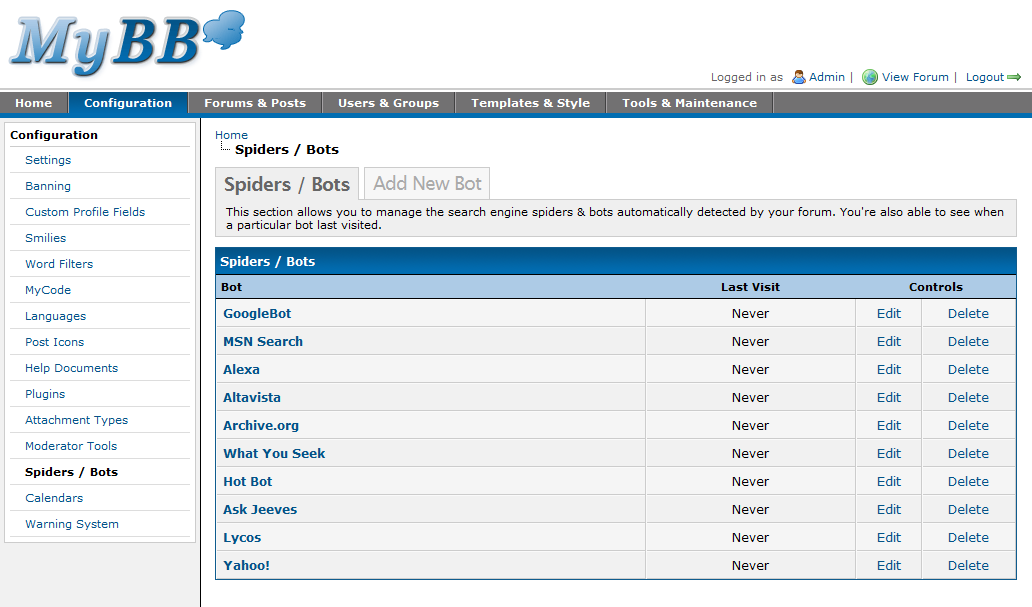
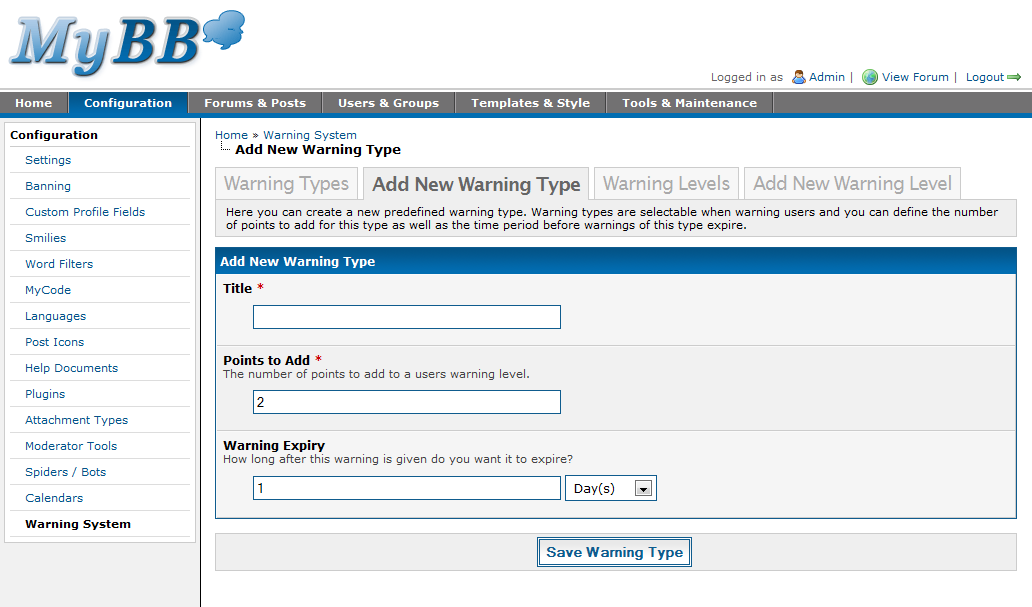
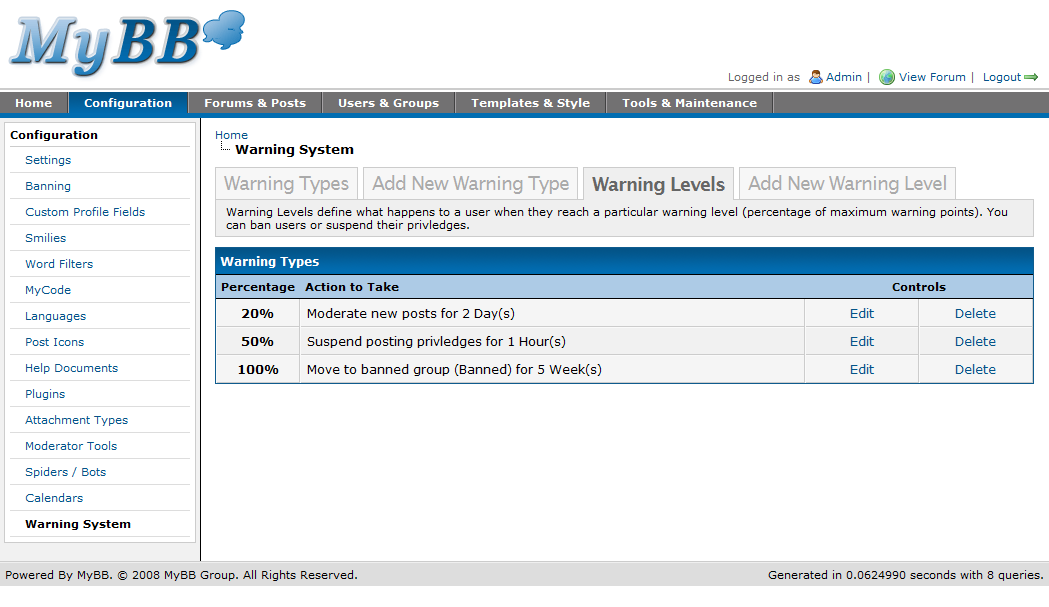
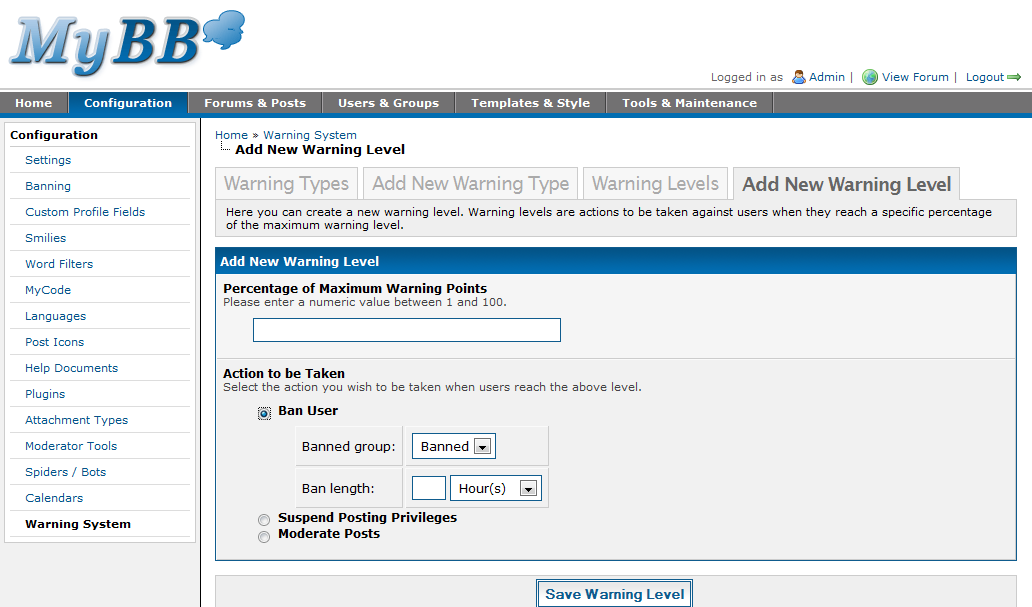
It’s time for another overview of MyBB 1.4’s Administrator Control Panel – this time, we’ll be covering the “Forums & Posts” and “Tools & Maintenance” tabs, as well as some of the general design decisions made – and how we made them.
Did you know? Many of the Admin CP pages are born by rough sketches by hand from Justin, one of our designers. We then discuss and revise them, and finally implement the finished product in code. We have taken a lot of time to develop pages which let administrators extensively manage their forum, while maintaining the ease of use. Read more about this process in the “Design Decisions” section below.

Forums & Posts
Forums Management
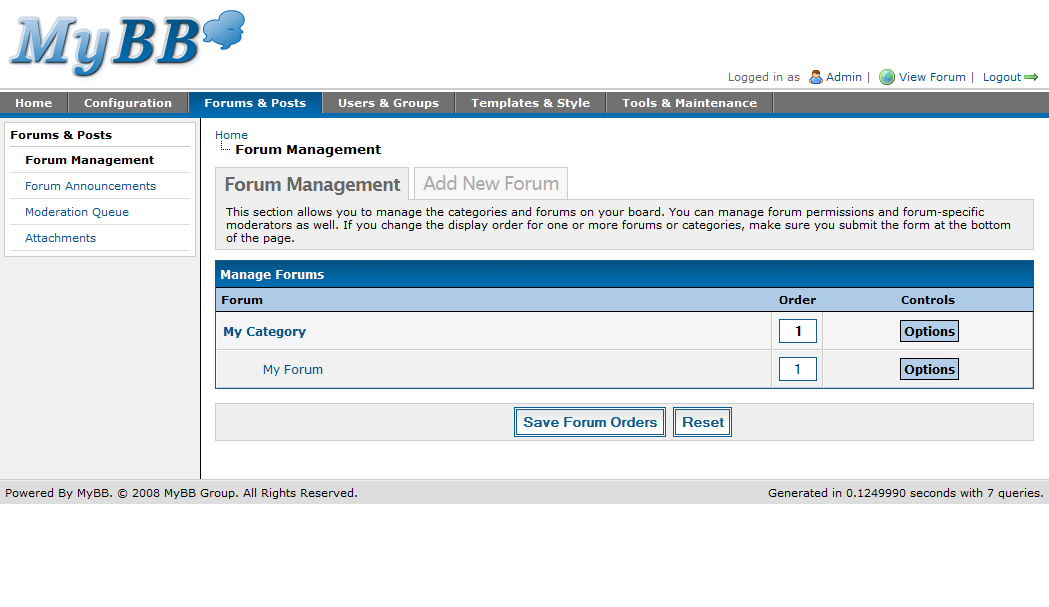
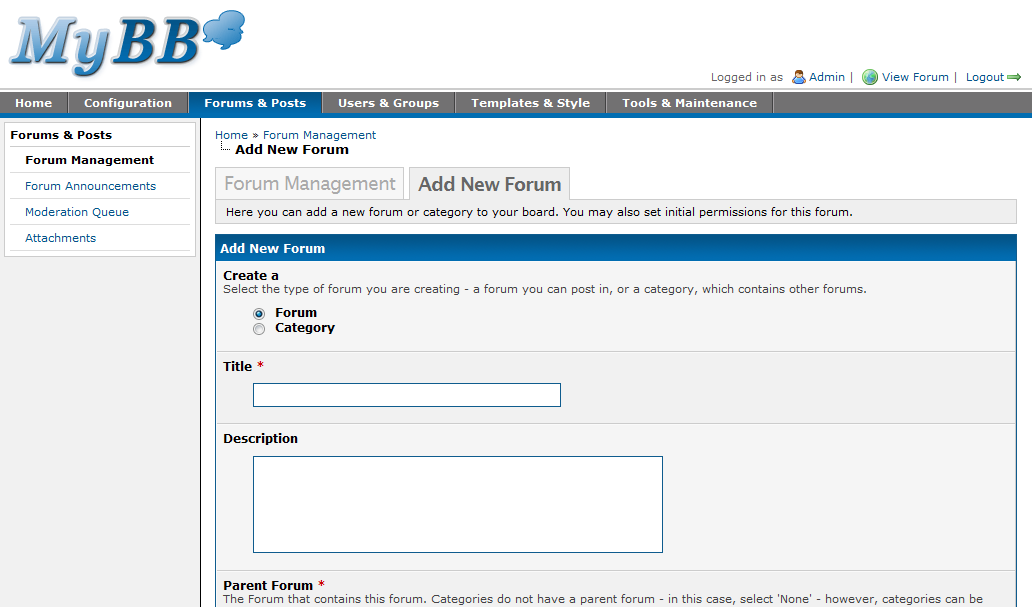
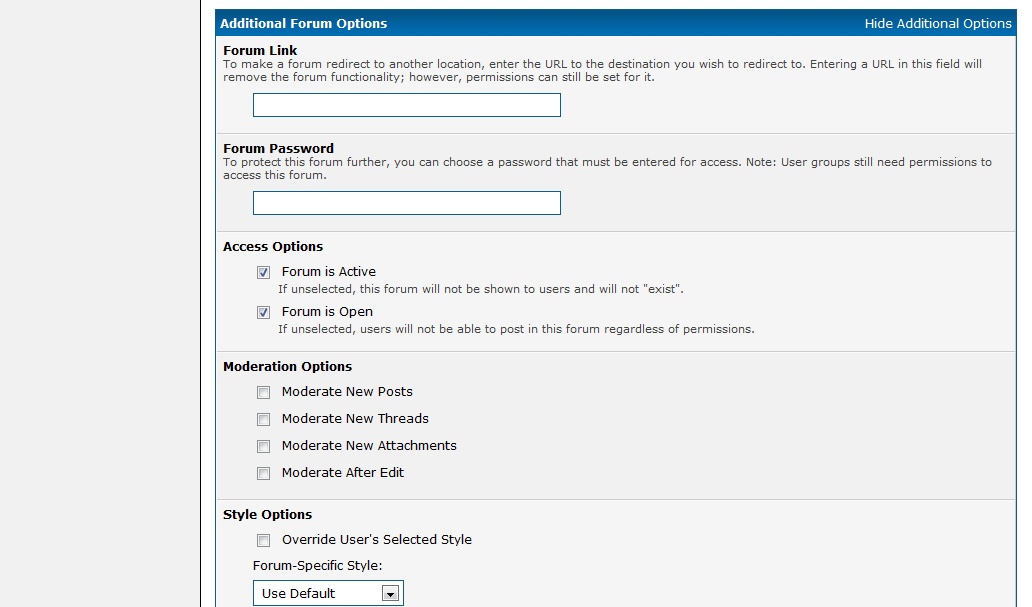
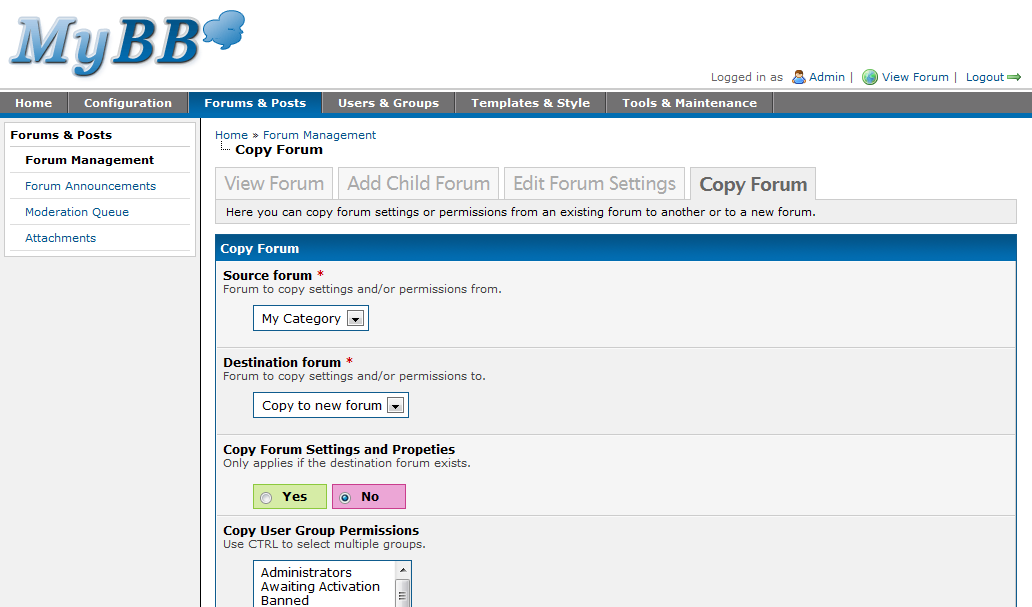
So, by now, you’re probably drooling for more screenshots. The interface of the Forum Management has changed significantly. The forum listing page has been cleaned up and refined; all of the previous buttons are now condensed to a single drop-down menu. Adding a forum only shows the basic options, but you can show all options by clicking on “Show Additional Options” (the screenshots show this with the additional options already expanded). Copying a forum, however, has remained more or less the same since 1.2.

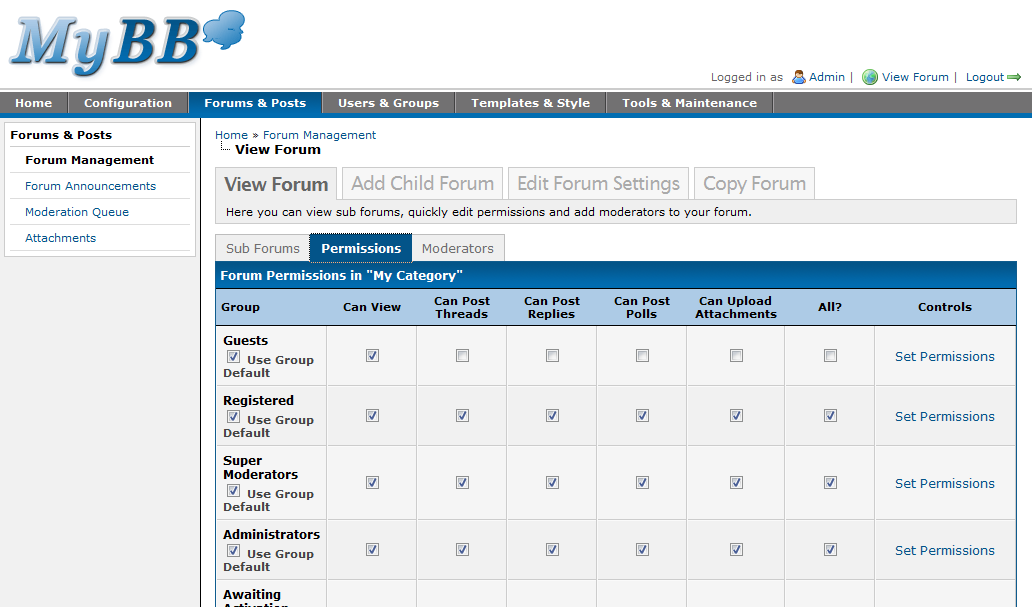
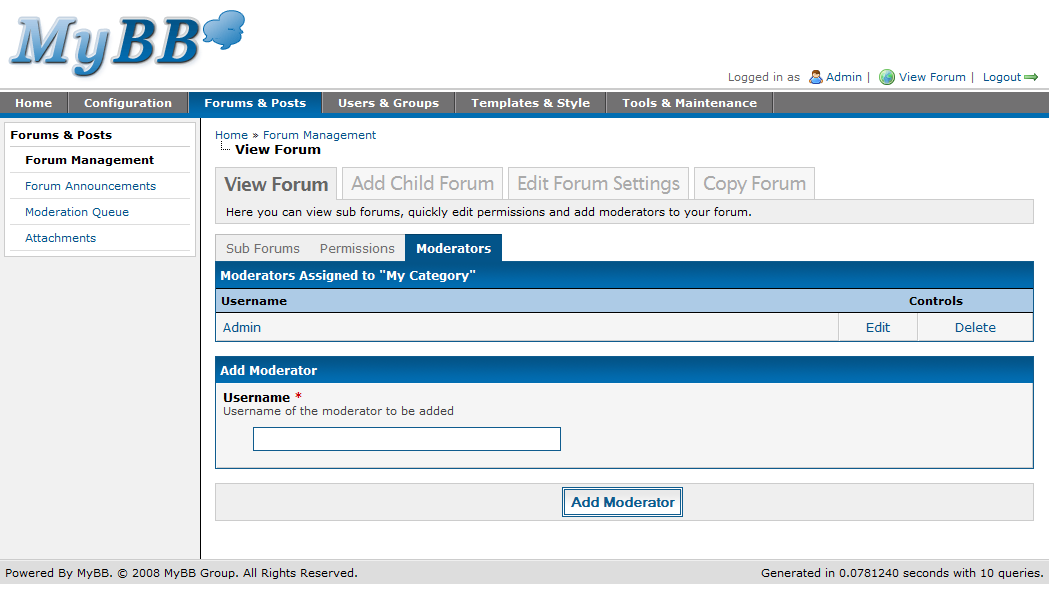
The forum view page (the page you visit after selecting a forum from the primary listing) has radically changed since MyBB 1.2. Although it contains all of the same information, it includes a sleek new interface separated into javascript tabs, where subforums, permissions, and moderators now each have their own tab. This was done to make permissions and moderator management easier and more visible. The permissions tab now combines quick & full permissions, providing the option to set or edit a group’s permissions from the quick permissions table under the permissions tab.


Forum Announcements
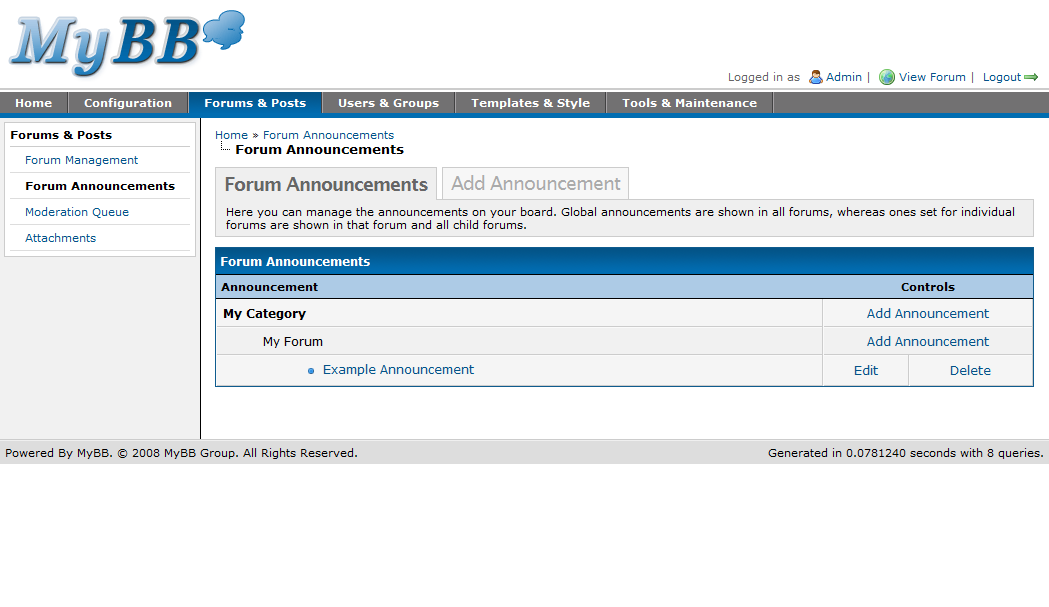
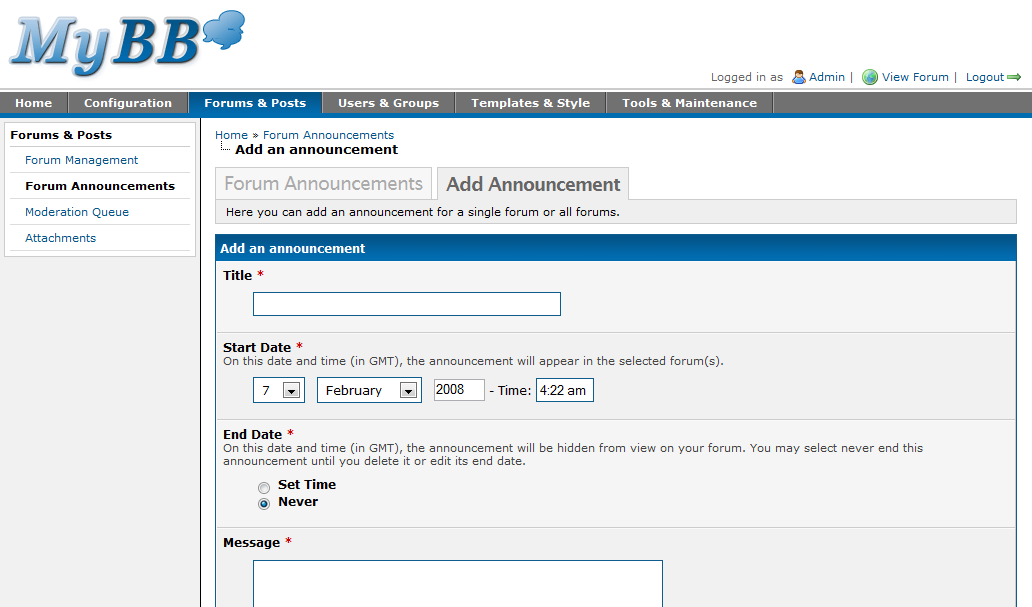
The forum announcement manager functions the same as MyBB 1.2. However, unlike past versions, when an administrator edits an announcement, the announcement author will remain the same instead of being changed to the user who last updated it.

Moderation Queue
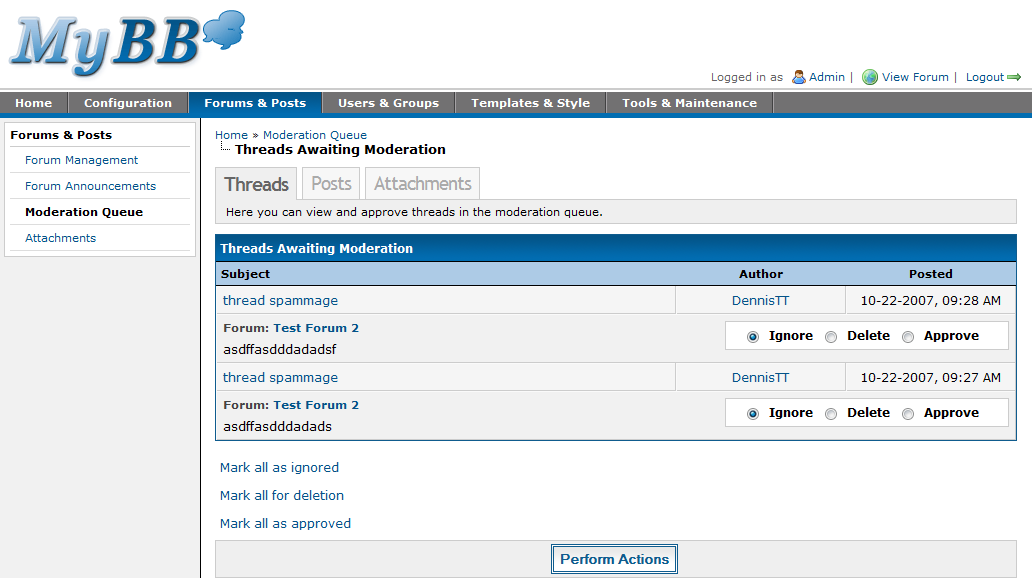
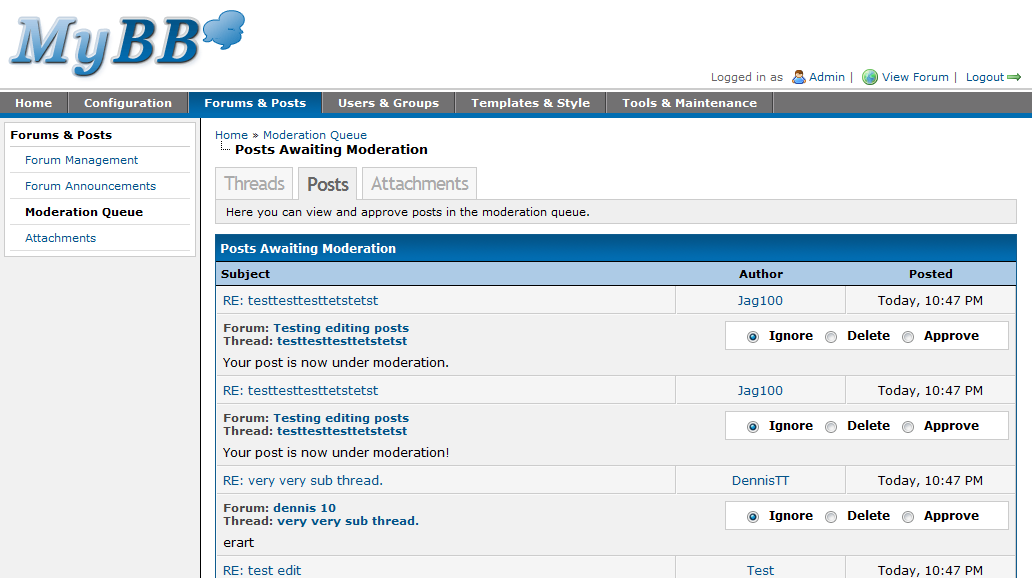
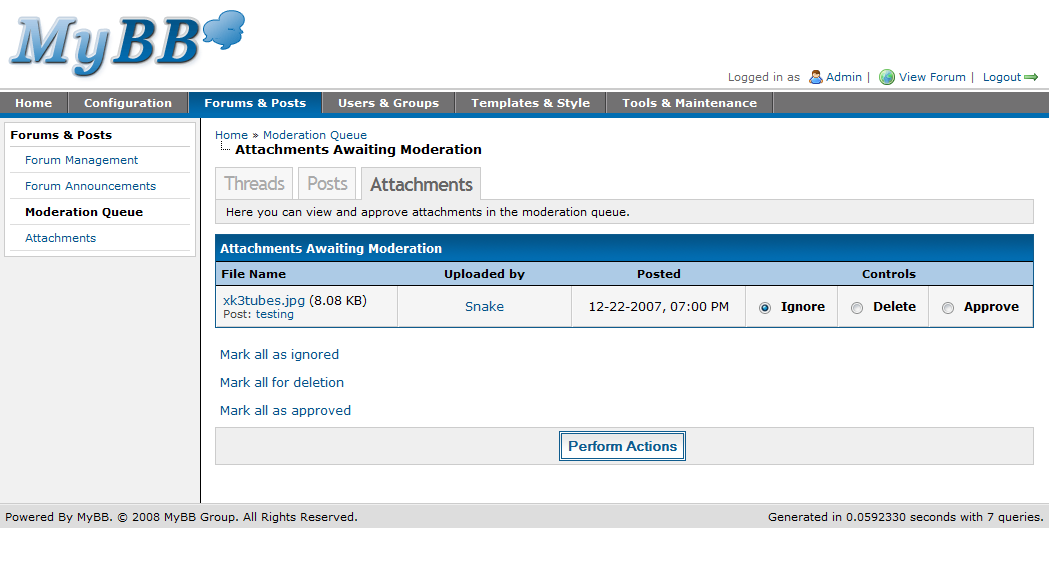
The moderation queue no longer has an option to view Threads and Posts on the same page. This was due to the fact that there are already individual pages to show these, and that even if they were on the same page, they could not be moderated together at once.
The information and options have been optimized in the new layout to use the least vertical space as possible, so as to fit as many posts/threads/attachments onto your screen. Also, there are options at the bottom of the page to mark all entries as approve, delete, or unchanged.
Attachments
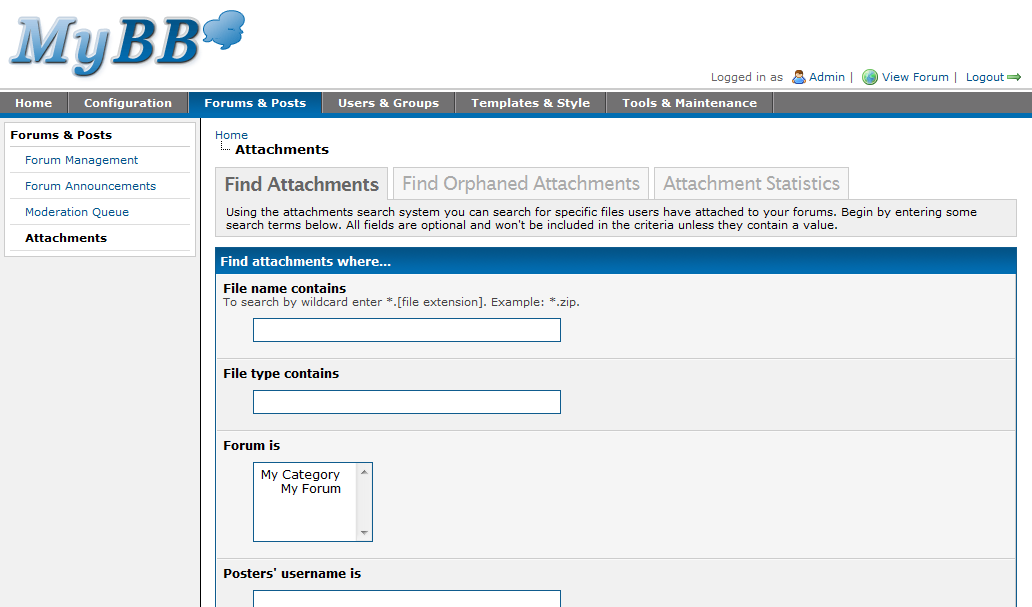
The main change in this section is that the orphan scan encompasses all possible unlinked attachments. These include uploaded files that are not in the database, missing files, leftover attachments due to post deletion, and files uploaded to abandoned posts.

Tools & Maintenance
System Health
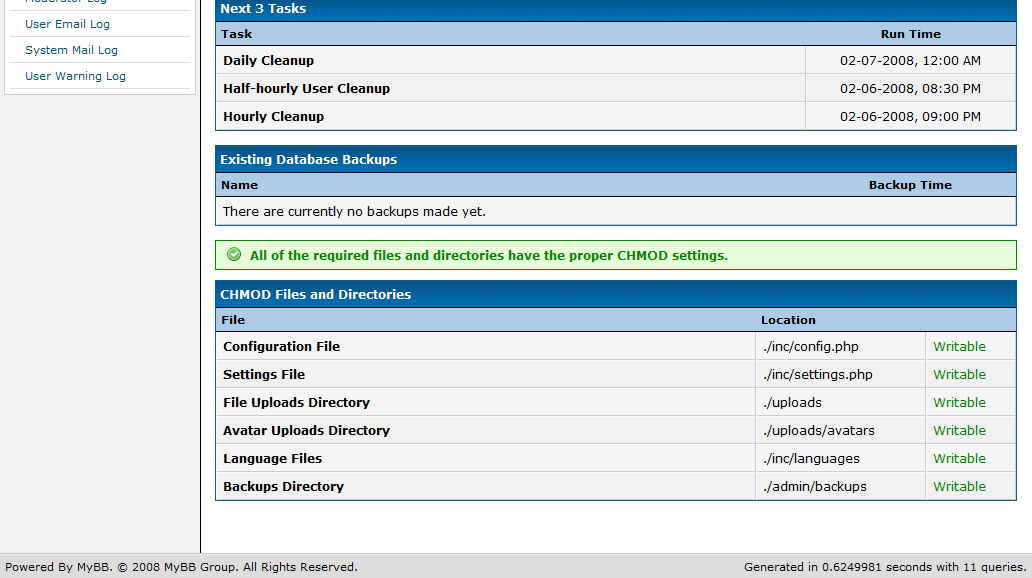
When you click on “Tools & Maintenance” in the top tab, you’re taken to the System Health page by default. It’s essentially your standard miscellaneous and useful information page.

Cache Manager
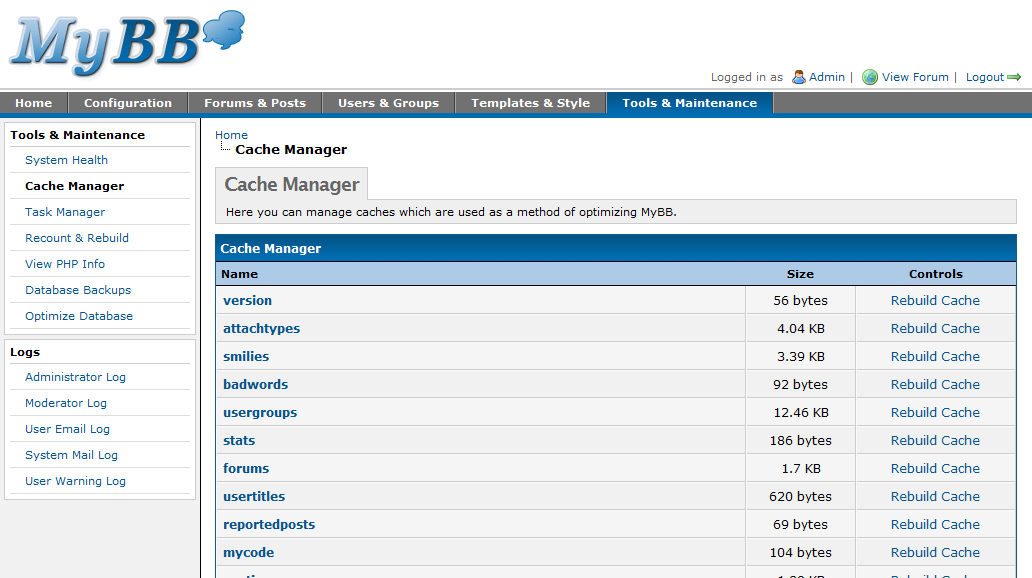
Little has changed here, other than a few new caches necessary for MyBB 1.4. Everything else is essentially the same as the cache manager in 1.2.
Task Manager
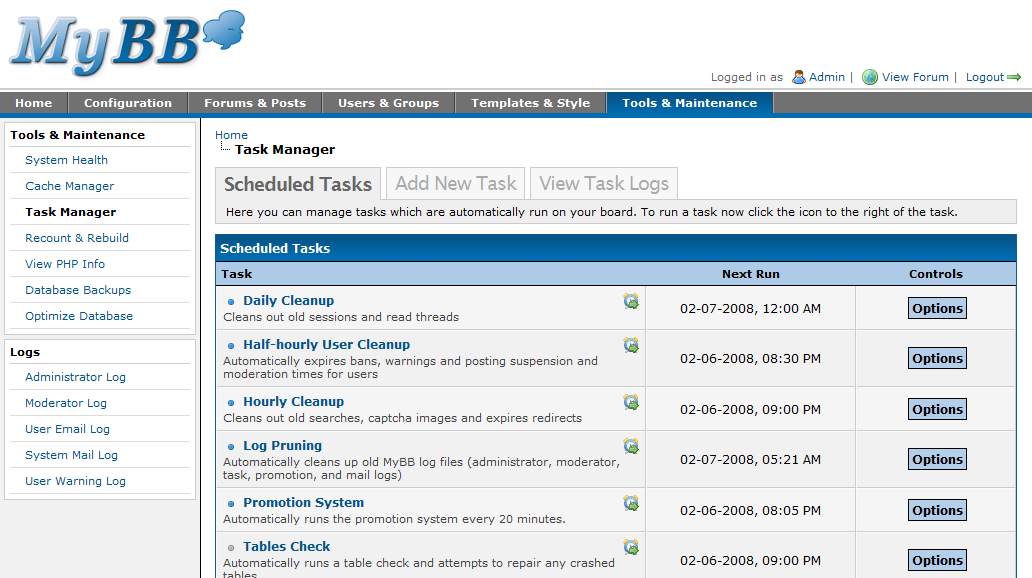
MyBB 1.4 introduces a whole new system for running various tasks that otherwise would take up valuable database resources and time to execute. The new Task Manager in MyBB 1.4 allows specific tasks to be run at certain times. You’ll notice you can run any task manually via the Task Manager by clicking the little Alarm Clock.
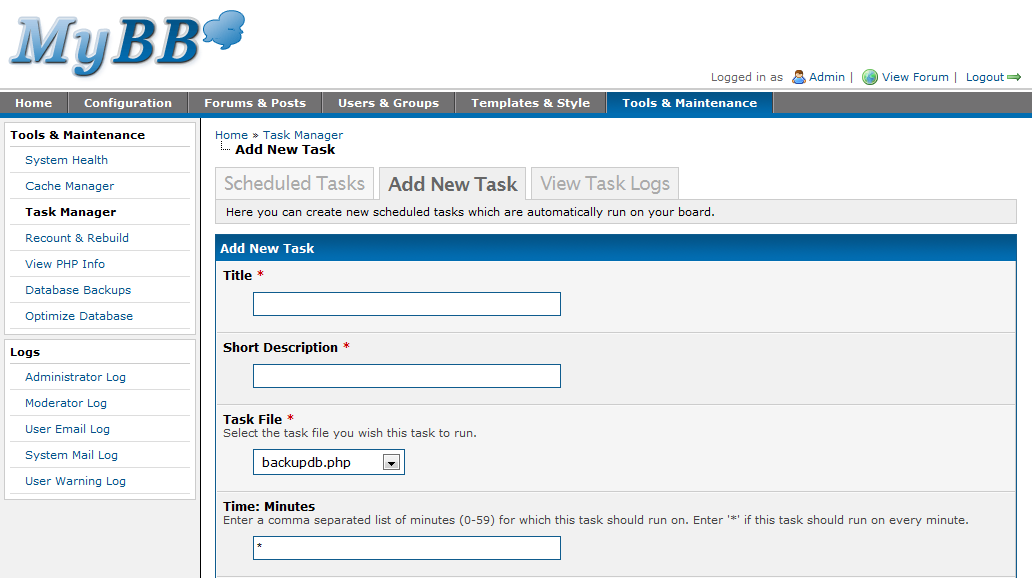
You will also see some tasks disabled by default. More specifically, the ‘Backups’ and ‘Check Tables’ tasks. This is because they require, or are at least highly suggested, to be run via a cron. The command would look similar to this: “php /path/to/mybb/task.php x” where x is the task id.


Recount & Rebuild
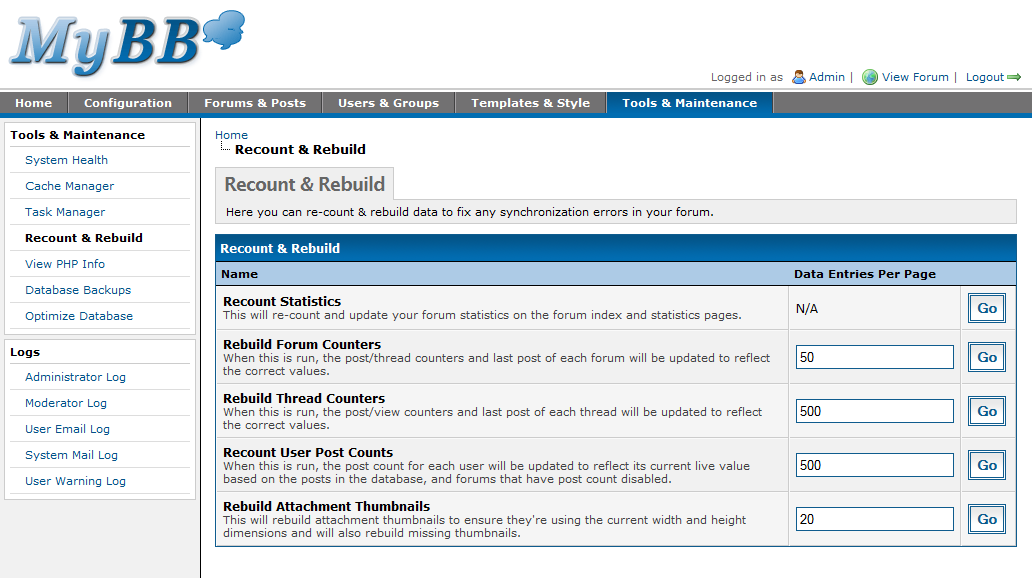
Again you’ll notice that Recount & Rebuild has not had much of a change from MyBB 1.2. However, the page has been cleaned a bit to show all of the tools in much less space, while still providing the same options.
View PHP Info
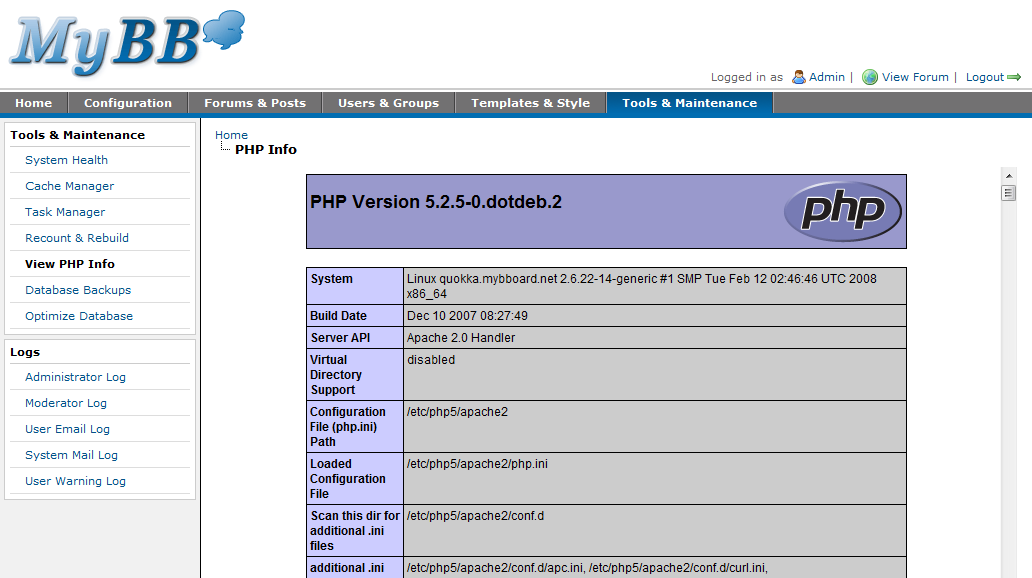
There is little to say about the PHP Info page, but as always, it is extremely handy in identifying all of the various settings regarding your PHP installation.
Backups
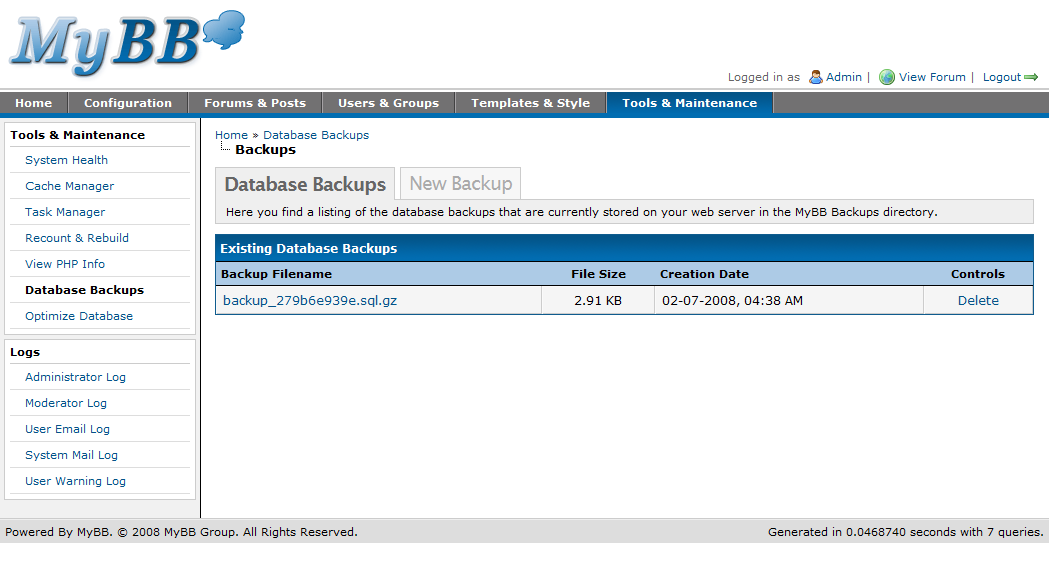
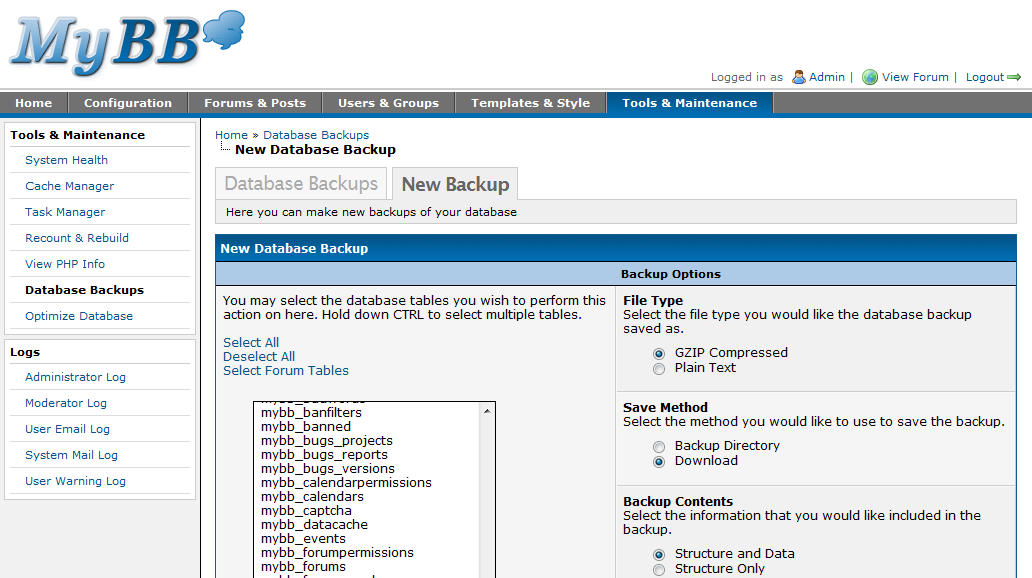
Database Backups have received some minor tweaking. You’ll notice [above] that backups can be automated via the new Task System. The ‘Sequential backup?’ option previously found in MyBB 1.2 was designed to help on hosts where a full backup would time out. However, the option has been removed from MyBB 1.4 due to confusion as to its purpose, and is instead a default feature of the backup.
Optimize Database
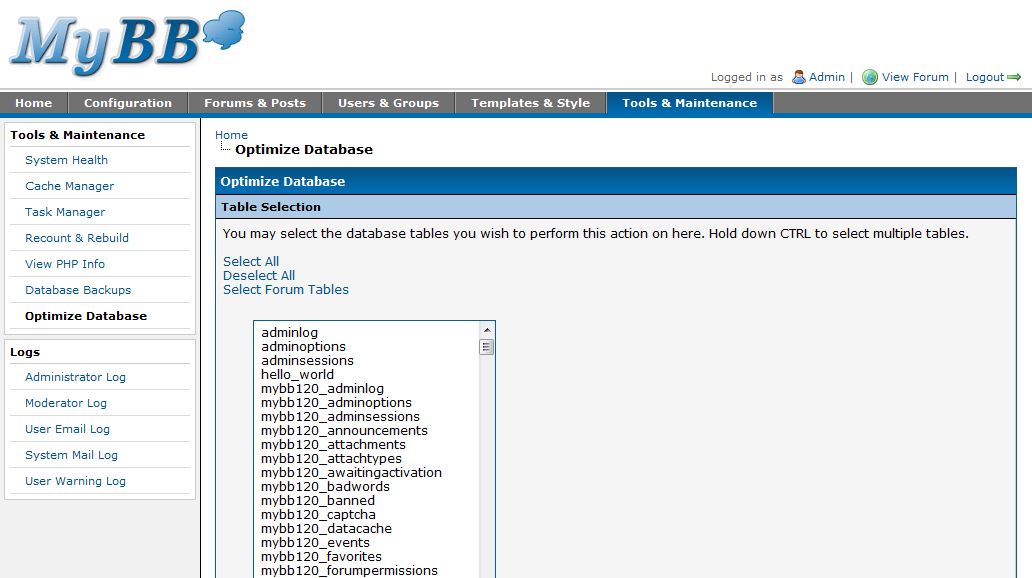
As with MyBB 1.2, you simply select the tables you wish to optimize and perform the task. Little to do on your part, but your database will thank you!
Administrator Logs
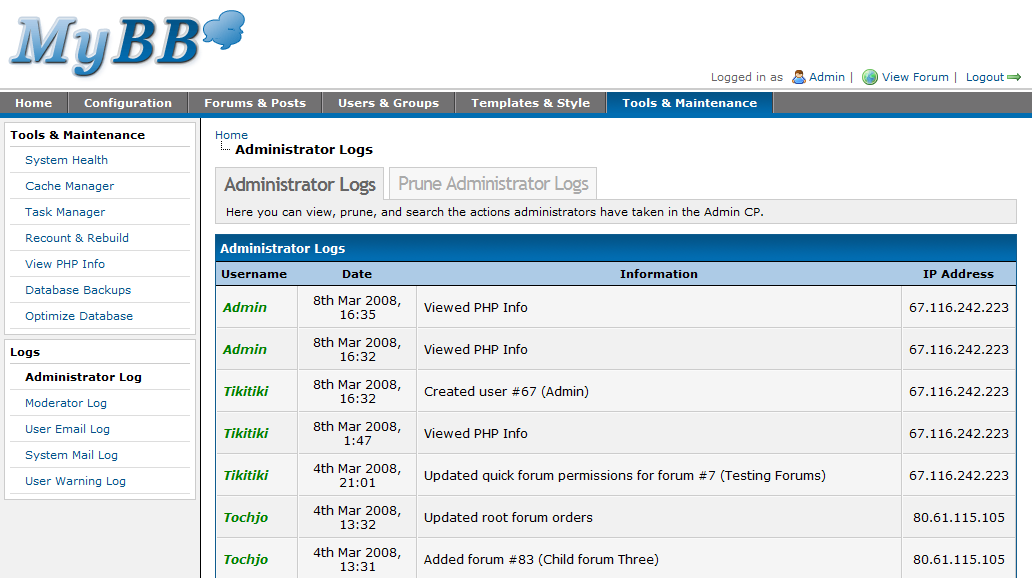
You’ll notice the Administrator Logs has received a fairly good revamp. We log a lot more useful data now and you cannot see it but only Super Administrators can prune logs. In the event a hacker gets in, it will be much harder for them to erase their tracks. Or for that fact, any other misbehaving administrator you may have.

Moderator Logs
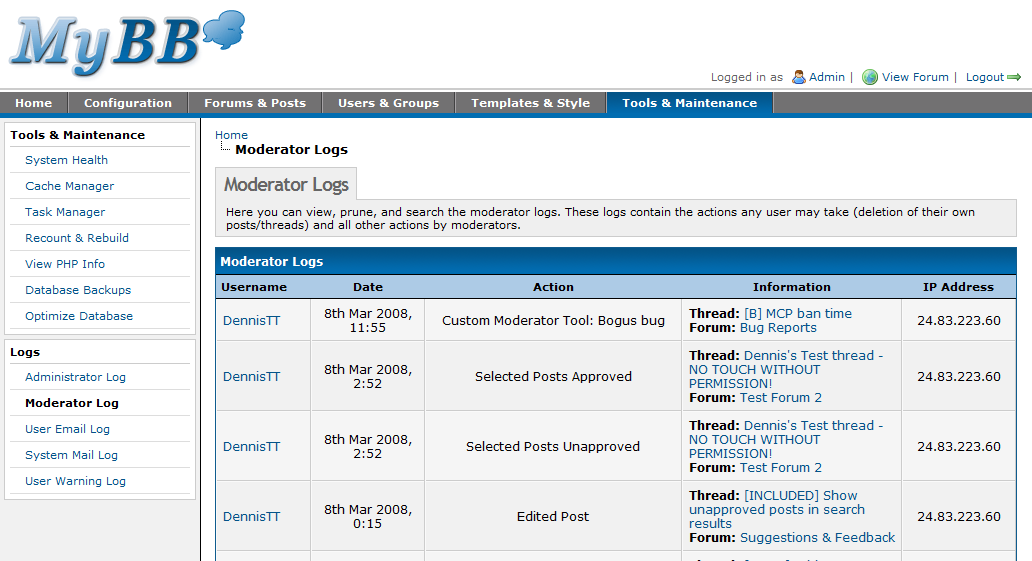
Moderator Logs are essentially the same in MyBB 1.2 with a few changes here and there.
User Email Log
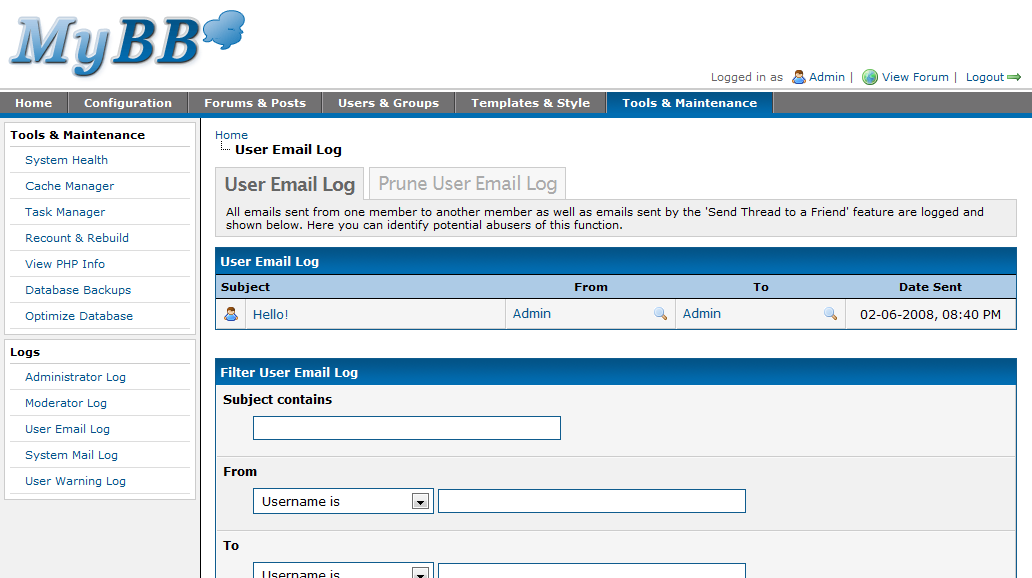
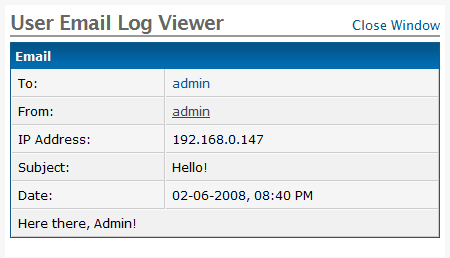
With MyBB 1.4 comes the ability to view emails that have been sent via your forum. This can allow you to track abusive or spam messages being sent from other users. You will notice that you can search for criteria and view the email by clicking the subject.
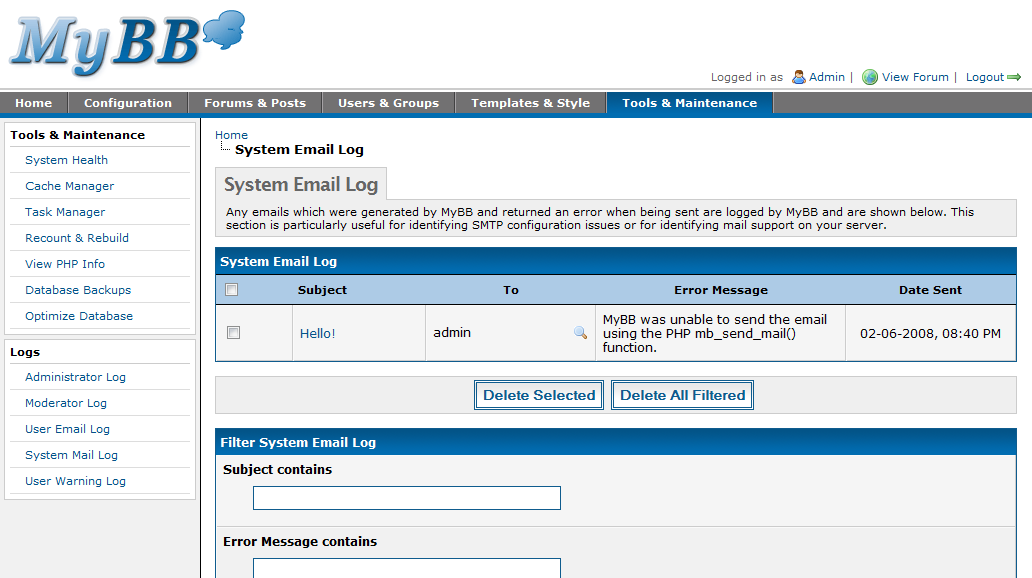
System Mail Logs
Another new feature introduced in MyBB 1.4 is the ability to view emails that could not be sent due to server errors. This can help pinpoint problems within your mail server or server configuration.
User Warning Logs
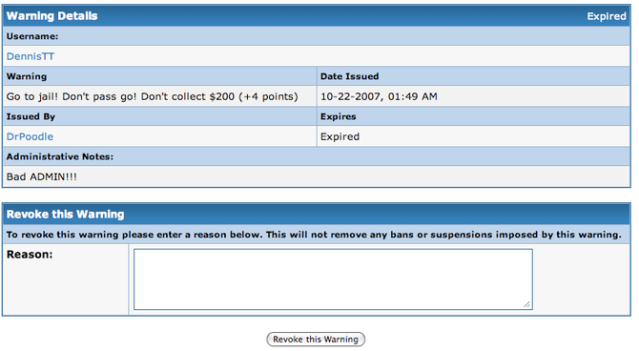
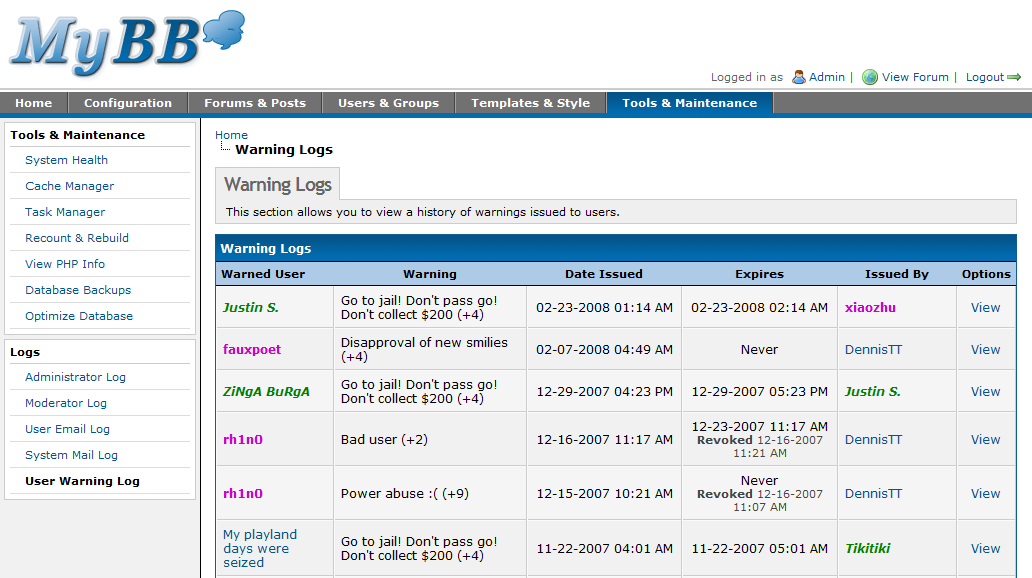
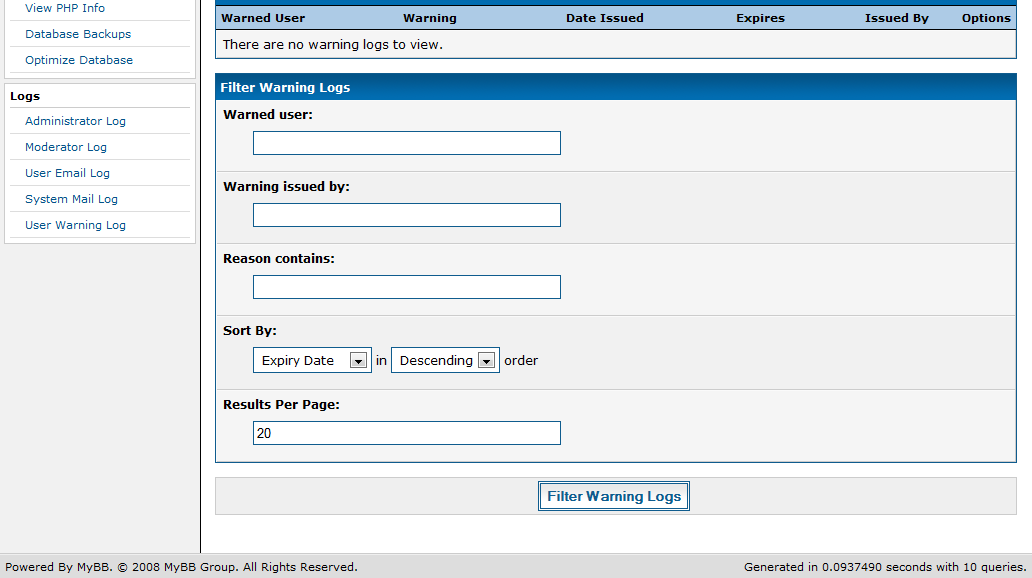
User Warning Logs, in conjunction with MyBB 1.4’s Warning System allows you to view warnings given by moderators or administrators. You can filter through the warnings and view full details on the warning.
Design Decisions
MyBB 1.4’s Admin CP was well planned from the start. Several staff members spent hours on end discussing the various improvements that would be made in some of the worse parts of the Admin CP. We all pinpointed some of the interface disasters in MyBB 1.2’s Admin CP, and built the interface for each page from the ground up – countless non-functional “mock-ups” or “prototypes” (some on paper, others in HTML) were created to demonstrate how the page would end up looking. These would then be discussed, all before a single line of code was written for the page in the Admin CP.
Early on, it was decided the 1.4 Admin CP would be tabbed – there were so many different tasks that could be performed, they would have to be divided into different categories. This sort of thing is done all the time, in all sorts of different applications, so it just made sense to do it in the Admin CP too.
Each was then categorized into the different sections – such as Forum Management, Forum Announcements, and so on under the Forums and Posts tab. While some sections could apply to more than one tab, all were put in the most logical location. For instance, general configuration items go under the Configuration tab, whereas those directly dealing with the forums or posts on your board would go under Forums & Posts.
Beneath these sections are the various tasks that can be performed in the Admin CP. Before this point, everything was simply categorizing in order to make finding each task much easier. The Admin CP was designed to make finding individual tasks easier – after all, once your forum has been set up, you’ll usually only go into the Admin CP for just one or two tasks.
You’ll find that for just about every design decision made in MyBB 1.4’s Admin CP, we have a legitimate reason for doing it that way, and not a different way. This is because 1.4’s Admin CP was built from the ground up in order to ensure we could find the best way to design all of the various pages in the Admin CP.
Questions? Comments? Anything else?
As with the Configuration section, there’s a lot you can do under the Forums & Posts and Tools & Maintenance sections, but it’s very easy to use once you dig into the administration panel. It might look confusing now, as all you’re seeing is screenshots, but rest assured that all was planned out to be as well organized as possible.
Another overview covering the “Users and Groups” tab will be posted next week. We will also take time to answer some stabbing questions you may have. Leave a comment with your question and check to see if your question has been answered next week!
There is still a lot to cover, but as always, we’re happy to hear any questions or feedback you may have. We’ll try to take advice on board, but understand it isn’t always possible. There’s still more exciting parts of the Admin CP left to share, so by no means is this all we’ll be posting!
Multiple people contributed to the writing of this article, including DennisTT, Tikitiki, Chris Boulton, and Justin S.